1. Overview
12 Scanning Guide — How to Perform Scan Operations
How to Perform Scan Operations
Users can scan originals not only by selecting one of the scan modes, but also by com-
bining two scan modes at a single operation.
The following procedures describe about the basic instructions on how to perform the
scan operations.
P.12 "Scanning Procedure for Single Agent"
P.14 "Scanning Procedure for Multiple Agents"
SUPPLEMENTS: • Users can use a template to perform a scan operation as well. For more information
about a template, see the following section.
P.59 "Using Template"
• Users can perform Copy & File, which enables users to copy the originals as well as
storing the originals as a file. For more information about Copy & File, see the fol-
lowing section.
P.77 "Copy & File"
Scanning Procedure for Single Agent
1. Place the original(s).
• For instruction about placing the originals, see Operator’s Manual for
Basic Function.
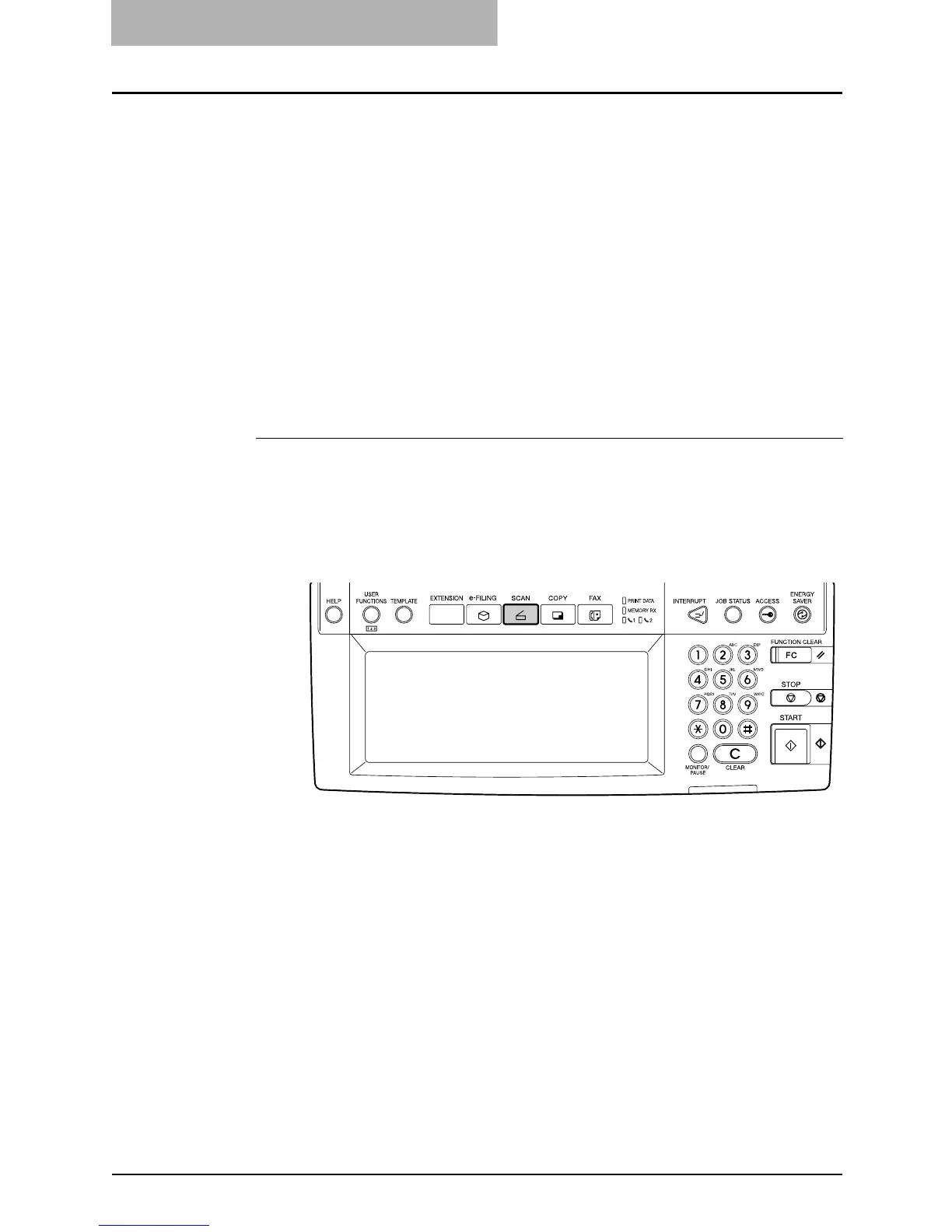
2. Press the [SCAN] button on the control panel to enter the
scan menu.
• The basic scan menu is displayed.



 To Next Page
 Loading...






