Browse Folders 119
Changing the Device Information
During the Unimessage Device Wizard that concluded the installation process, you will have
configured TOSHIBA Viewer for use with your e-STUDIO163/203/165/205.
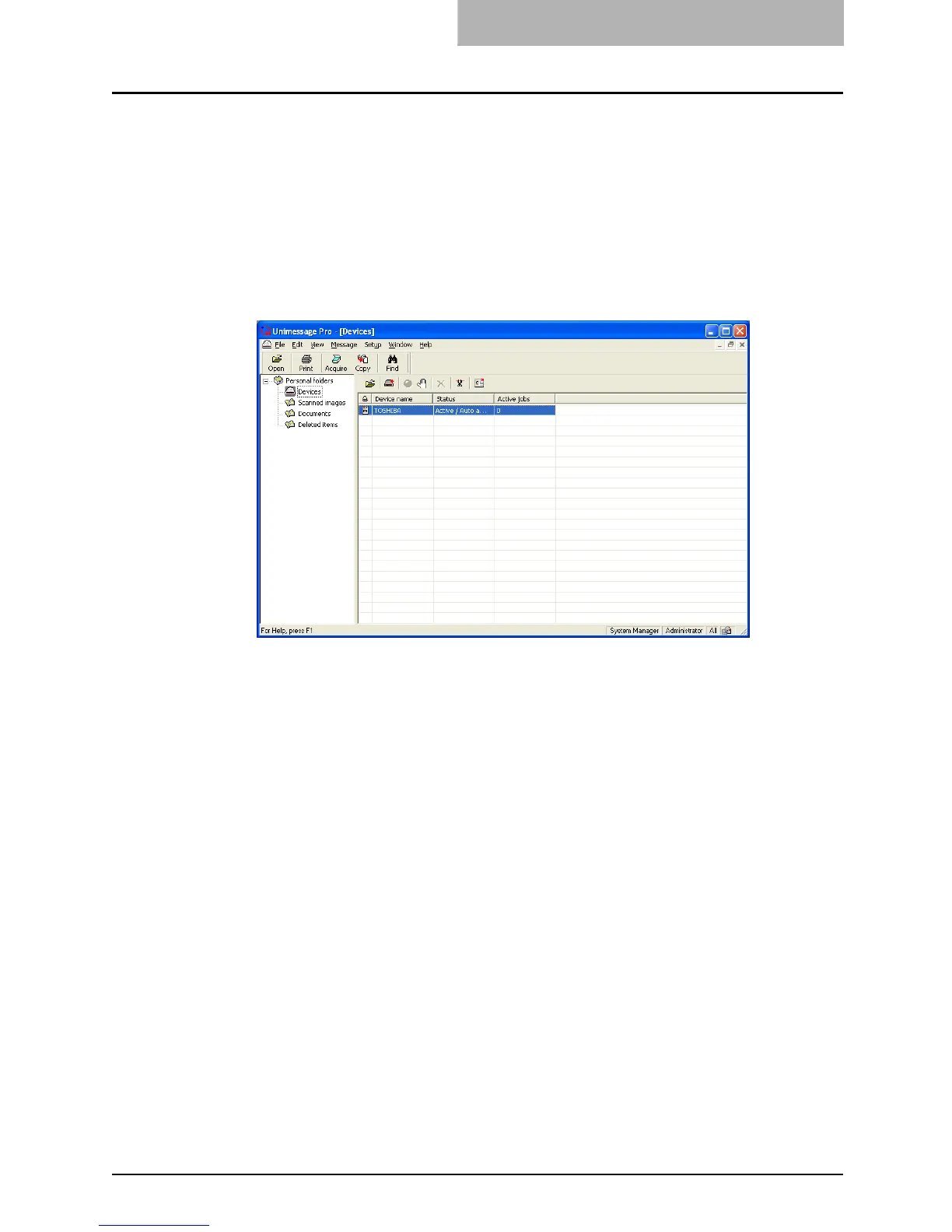
Should you want to, you can reconfigure how TOSHIBA Viewer works with your e-STUDIO163/
203/165/205 via the Device folder.
Also you can remotely configure the device configuration using this program.
1
Open the [Device folder].
Double click the appropriate entry in the list of devices that appears in the right hand
pane. Device settings appears.



 To Next Page
 Loading...











