Installing the USB Driver 23
11
After the USB driver is installed, “Add Printer Wizard” appears.
Follow steps 4 and after in the section “From the Add Printer Wizard” to install the printer
driver for the e-STUDIO163/203/165/205.
P.34 “From the Add Printer Wizard”
If “Add Printer Wizard” does not appear, or you clicked the [Cancel] button on “Add
Printer Wizard”, go to the following page to install the printer driver for the e-STUDIO163/
203/165/205.
P.34 “From the Add Printer Wizard”
Windows 2000
Please make sure that you have Administrator access right.
1
Connect the e-STUDIO163/203/165/205 to the computer by a USB
cable, make sure it is turned on and start Windows.
2
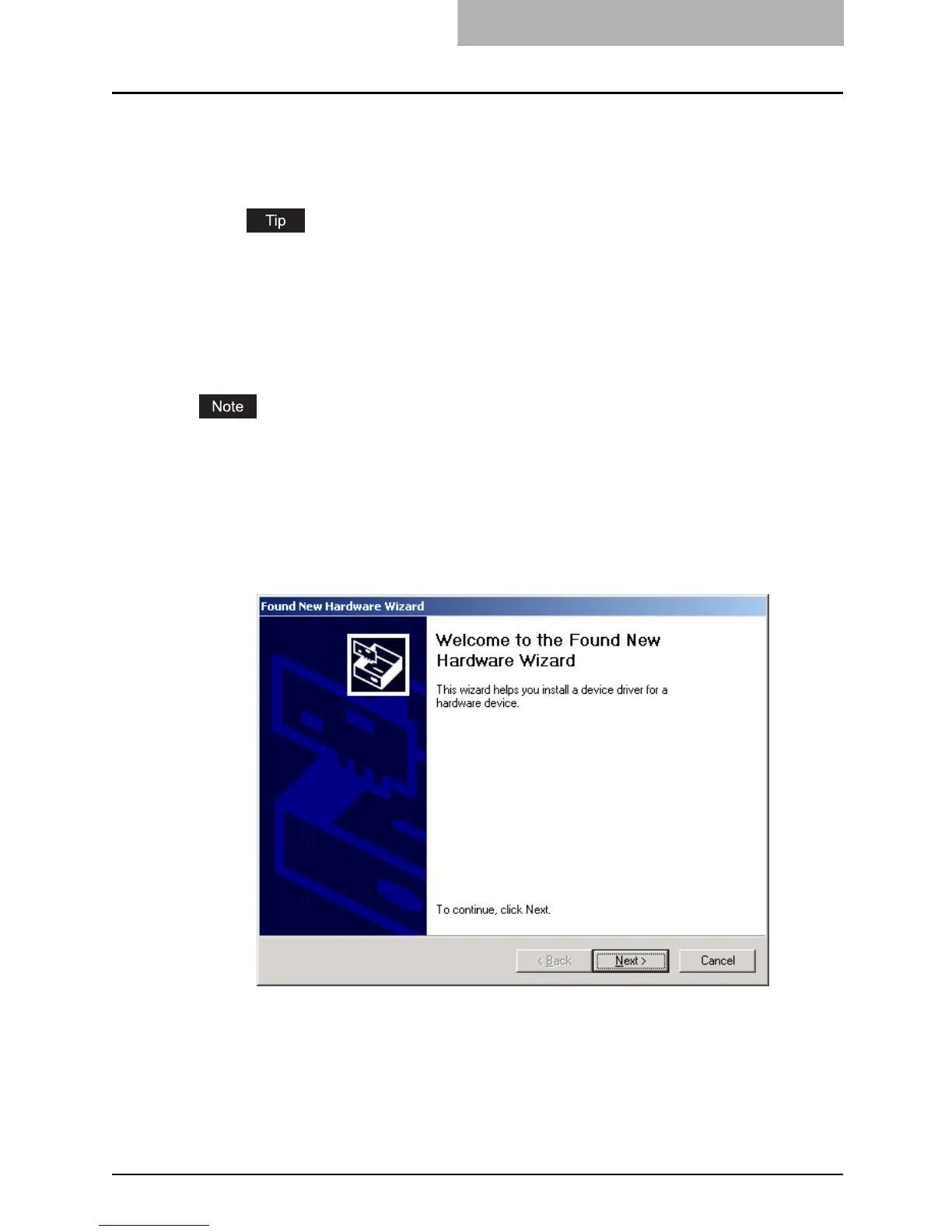
When Windows detects the device, the Plug-and-Play screen is dis-
played.
Click [Next].



 To Next Page
 Loading...











