Installing the Printer Driver to the Local Client 41
13
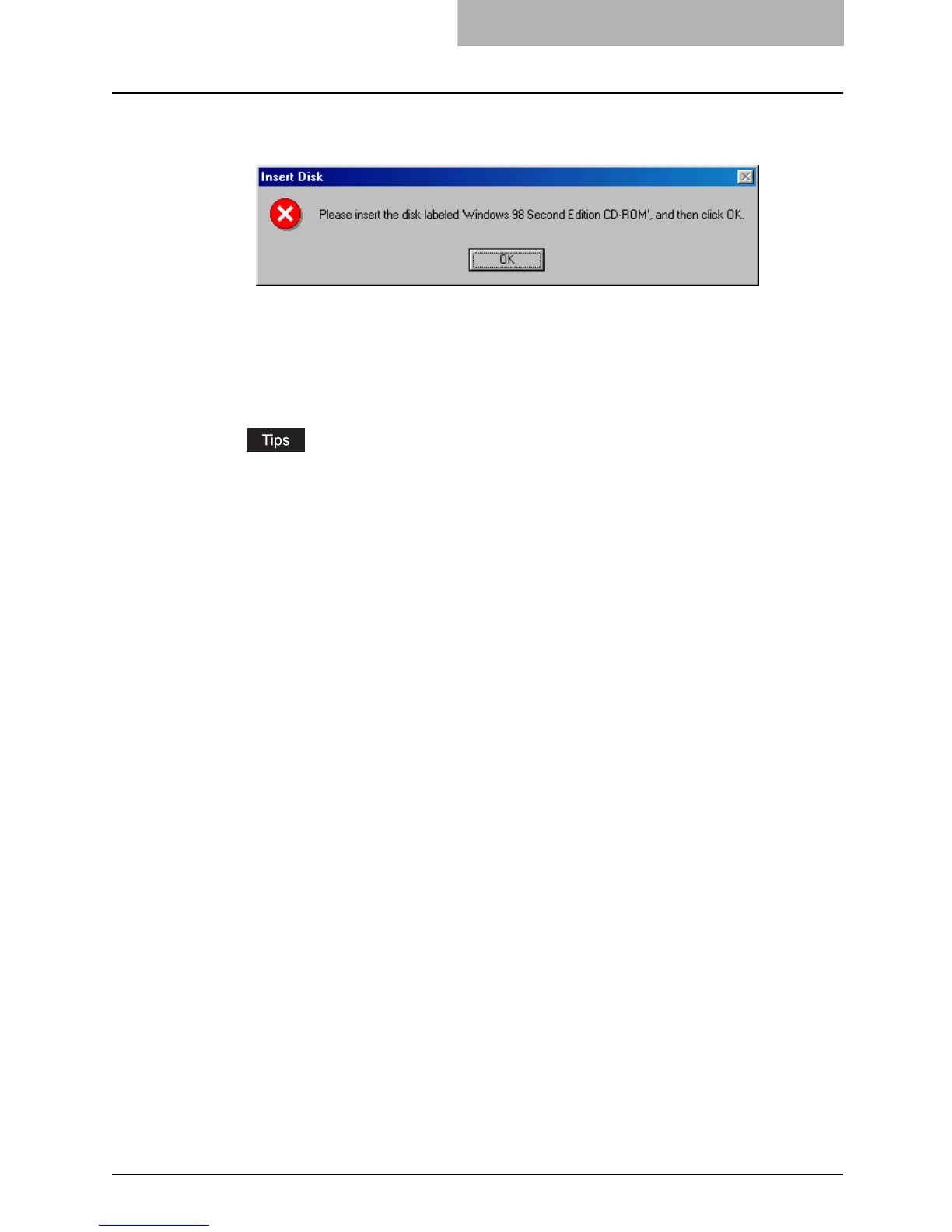
Insert the disk labeled “Windows 98 Second Edition CD-ROM” to
the CD-ROM drive and click [OK].
14
Complete the installation.
Your e-STUDIO163/203/165/205 printer driver is now installed and ready to use.
If you wish you can print a test page from [Control Panel]/[Printers], by double clicking
on the printer icon and selecting [Print Test Page] on the [General] tab of the printer’s
properties.
y To remove your printer driver, simply open [Control Panel]/[Printers], highlight the
printer and press the [Delete] key on your keyboard.
y When you want to use the TOSHIBA Viewer, go to the following page and install the
TOSHIBA Viewer.
P.66 “Installing the TOSHIBA Viewer”



 To Next Page
 Loading...











