2.RECOMMENDED INSTALLATION
Procedure for Recommended Installation 31
2 RECOMMENDED INSTALLATION
5
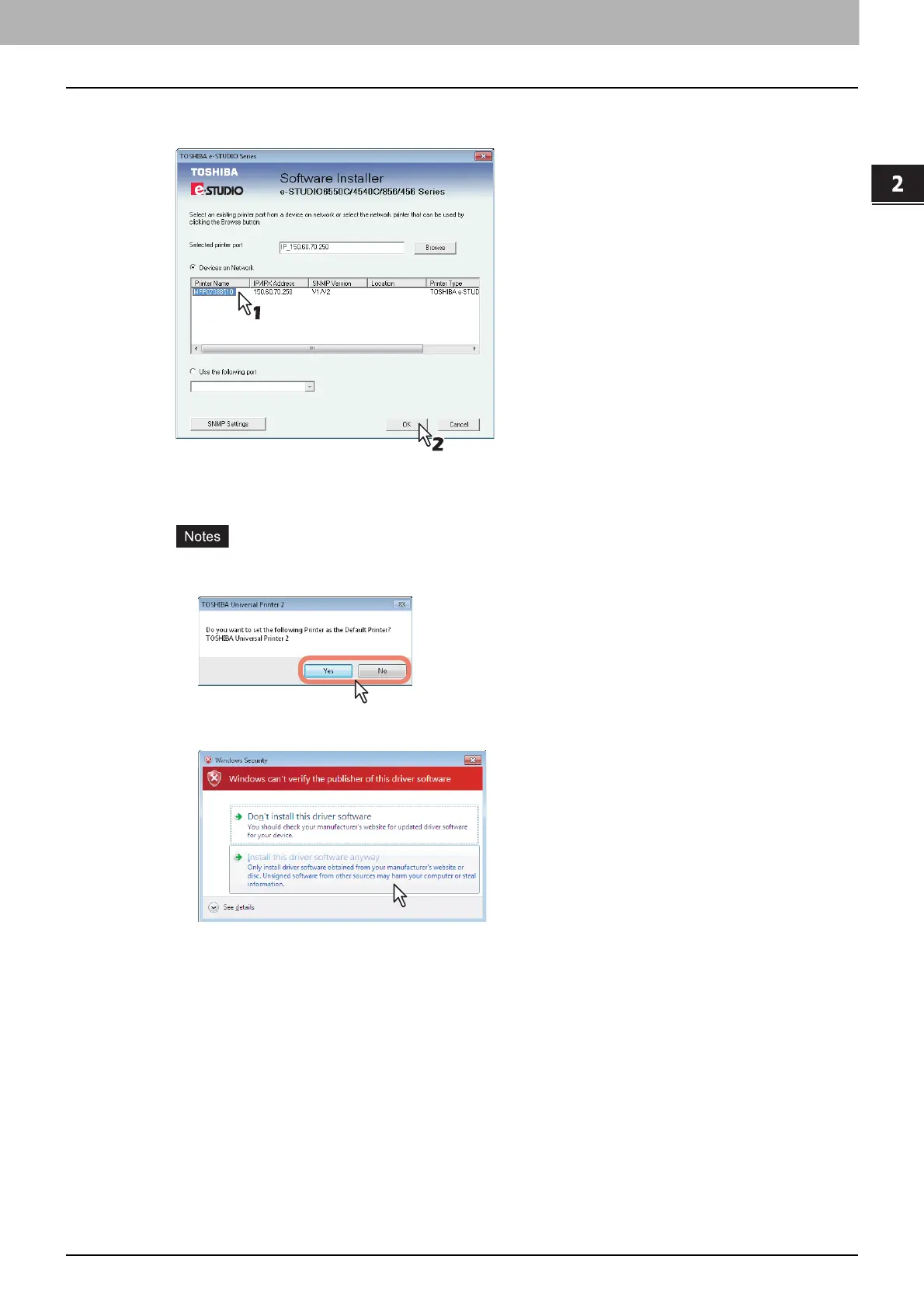
A list of the discovered printers is displayed. Then select this equipment on the list and
then click [OK].
The TCP/IP port is created.
6
The installation starts.
If the following message appears, click [Yes] to set the Universal Printer 2 driver to be the default
printer driver, or click [No] to not change the default printer driver.
If the following message appears, click [Install this driver software anyway] to proceed with the
installation.



 To Next Page
 Loading...











