35
Getting Started
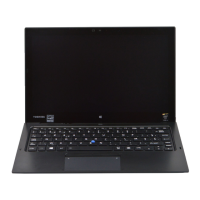
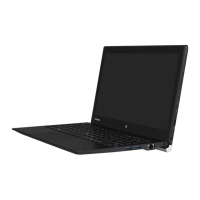
Features and components
❖ Internal microphones*—Allow you to record sounds
using the device’s internal microphones or an optional
external microphone. You can listen to audio files using
the built-in speakers, headphones, or external speakers.
❖
Ambient light sensor—Enables the device to adjust
the screen brightness to conserve battery power.
❖
Web Camera*—Allows you to take still photos
(includes flash settings) or record videos. For more
information, see “Using the Web Camera” on page 107.
❖
Web Camera indicator*—Indicates the ON/OFF
status of the Web Camera.
❖
Windows button*—Launches the Start menu. For
more information refer to Help & Support, or see
“Finding your way around the desktop” on page 99.
❖
Speakers—Allow you to listen to sounds on your
device. For more information, see “Exploring audio
features” on page 105.
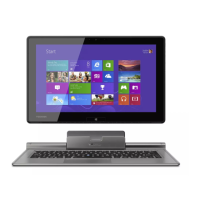
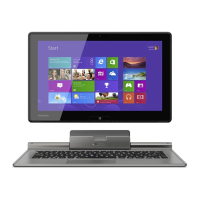
For keyboard docking information, see “Attaching and
detaching the keyboard dock” on page 76.
Back
(Sample Illustration) Back view
❖ Web Camera*—Allows you to take still photos
(includes flash settings) or record videos.
NOTE
*Available on certain models
Web Camera*


 To Next Page
 Loading...