English - 18 -
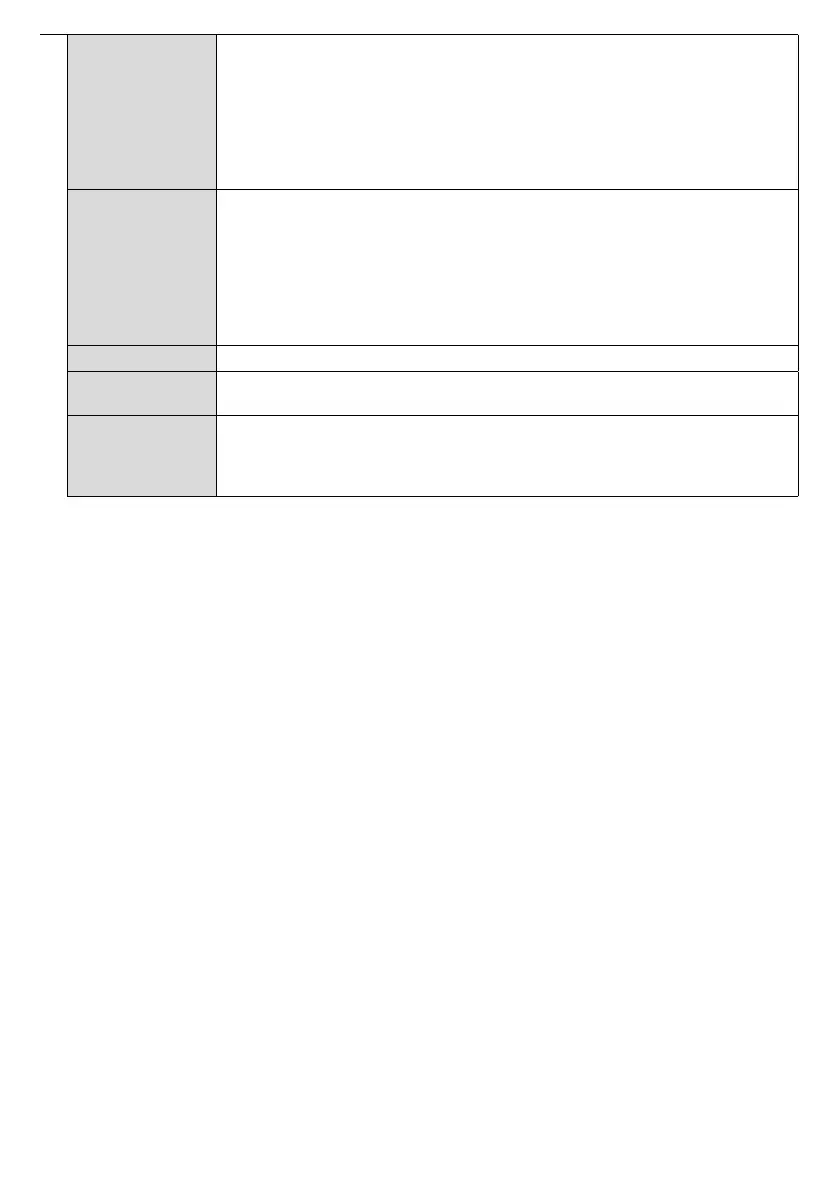
Scheduler
Settings
Press OK to open the Scheduler Settings
menu screen. You can set up to 4 different
schedulers. Highlight the Status
column of the desired scheduler option and set as
Enabled by using the Left/Right directional buttons after pressing the OK
If the Source option is set as Last
Link options
Press OK to open the Link Options menu screen. Current Start url and Settings url
links will be displayed. These items are for information only and not selectable and can
only be changed by USB operation command and RS232. See USB operation and
RS232 command list Open browser initial page and NTP server
NTP server to one that is more suitable for the location where the display is to be used.
Note: Start URL and Settings URL availability is depending on model.
Volume Settings Press OK to see available menu options.
Reset to Default
Values
Highlight this option and press the OK
button on the remote to return the Display to
default settings.
First time
installation
Highlight and press OK to perform First Time Installation and reset all settings to factory
settings. You will need to enter the correct PIN to carry out this operation.
Note:First Time Installation process.
If you have forgotten the pin used, please contact Toshiba service center.



 To Next Page