Once the fireplace has been plugged into a grounded outlet, the fireplace is now ready for
operation. Ensure that the house circuit breakers for the power supply are turned on.
Power
Plug the power cable into a 110v 15 amp grounded outlet. Make sure the outlet is in good condition
and that the plug is not loose. NEVER exceed the maximum amperage for the circuit. DO NOT plug
other appliances into the same circuit.
Methods of Operation
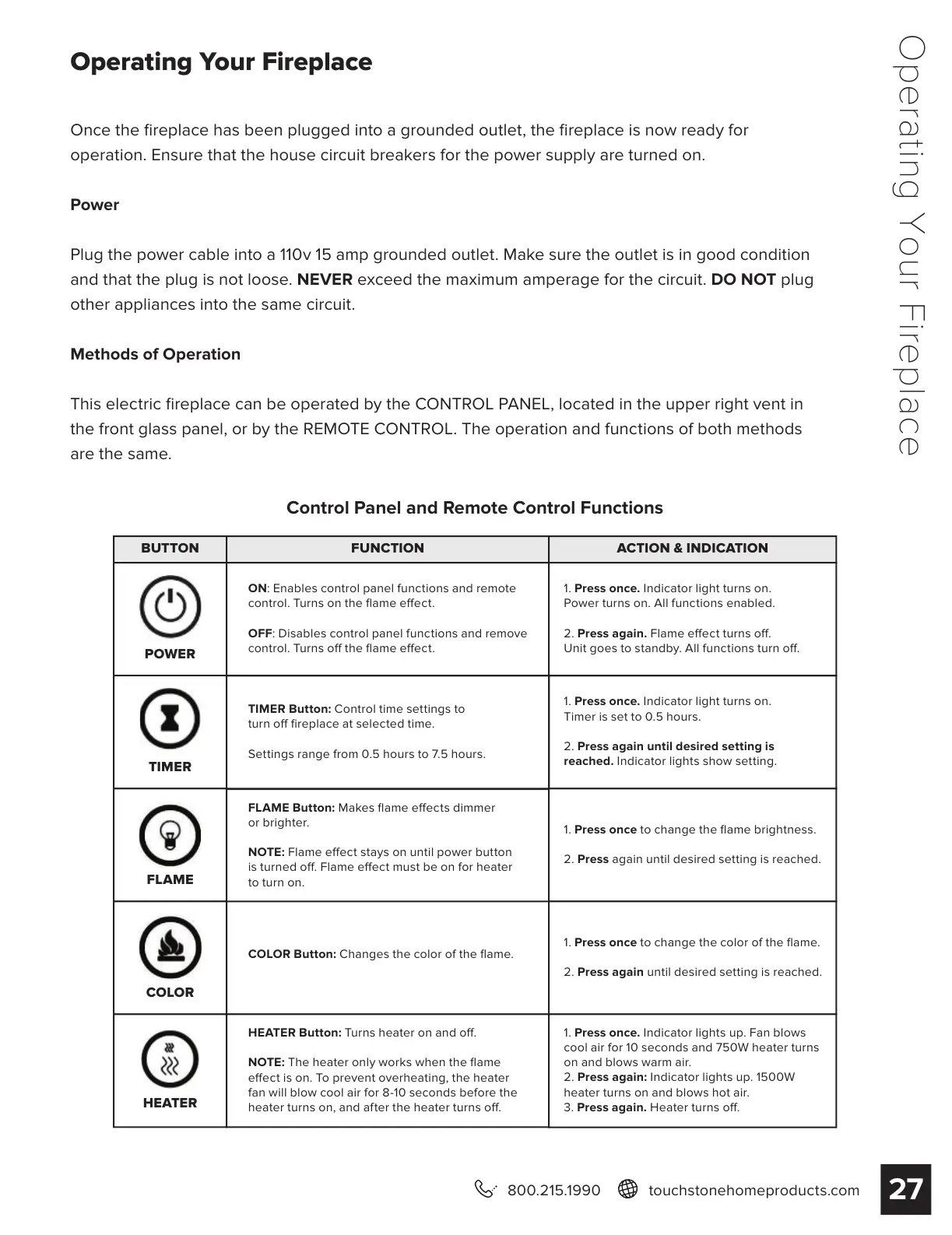
This electric fireplace can be operated by the CONTROL PANEL, located in the upper right vent in
the front glass panel, or by the REMOTE CONTROL. The operation and functions of both methods
are the same.
Control Panel and Remote Control Functions
BUTTON FUNCTION ACTION & INDICATION
POWER
TIMER
FLAME
COLOR
HEATER
ON: Enables control panel functions and remote
control. Turns on the flame eect.
OFF: Disables control panel functions and remove
control. Turns o the flame eect.
FLAME Button: Makes flame eects dimmer
or brighter.
NOTE: Flame eect stays on until power button
is turned o. Flame eect must be on for heater
to turn on.
HEATER Button: Turns heater on and o.
NOTE: The heater only works when the flame
eect is on. To prevent overheating, the heater
fan will blow cool air for 8-10 seconds before the
heater turns on, and after the heater turns o.
TIMER Button: Control time settings to
turn o fireplace at selected time.
Settings range from 0.5 hours to 7.5 hours.
COLOR Button: Changes the color of the flame.
1. Press once. Indicator light turns on.
Power turns on. All functions enabled.
2. Press again. Flame eect turns o.
Unit goes to standby. All functions turn o.
1. Press once. Indicator light turns on.
Timer is set to 0.5 hours.
2. Press again until desired setting is
reached. Indicator lights show setting.
1. Press once to change the flame brightness.
2. Press again until desired setting is reached.
1. Press once. Indicator lights up. Fan blows
cool air for 10 seconds and 750W heater turns
on and blows warm air.
2. Press again: Indicator lights up. 1500W
heater turns on and blows hot air.
3. Press again. Heater turns o.
1. Press once to change the color of the flame.
2. Press again until desired setting is reached.
Operating Your Fireplace
27
800.215.1990 touchstonehomeproducts.com
Operating Your Fireplace


 To Next Page