351
5-1. Basic Operations
5
Audio system
HIGHLANDER_U (OM0E017U)
Entune Audio
∗
∗: If equipped
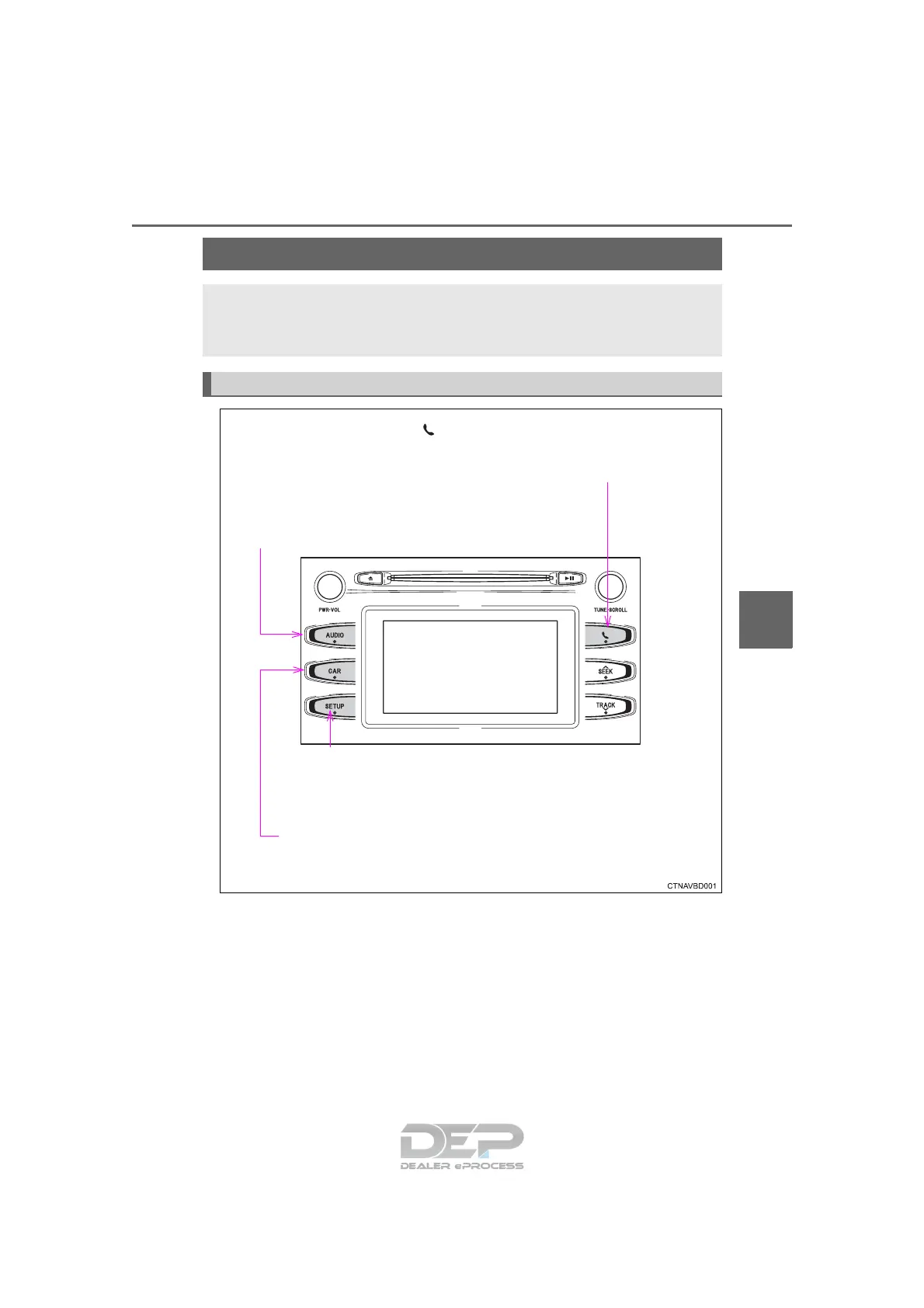
Operations such as listening to audio, using the hands-free
phone, confirming vehicle information and changing Entune
Audio settings are started by using the following buttons.
Entune Audio operation buttons
“AUDIO” button
Display the “Select Audio Source” screen
or audio top screen. (→P. 363)
button
Press this button to access the
Bluetooth
®
hands-free system. (→P. 397)
“CAR” button
Press this button to access the vehicle information.
(→P. 103)
“SETUP” button
Press this button to customize
the function settings. (→P. 358)

















 To Next Page