69
2
2-1. Instrument cluster
Vehicle status information and indicators
Press to enable/disable the
pre-collision system.
• PCS (Pre-Collision System) on/off
Select to enable/disable the pre-colli-
sion system.
Press and hold to change the set-
tings of the following item:
• “Sensitivity”
Select to change the pre-collision warn-
ing timing.
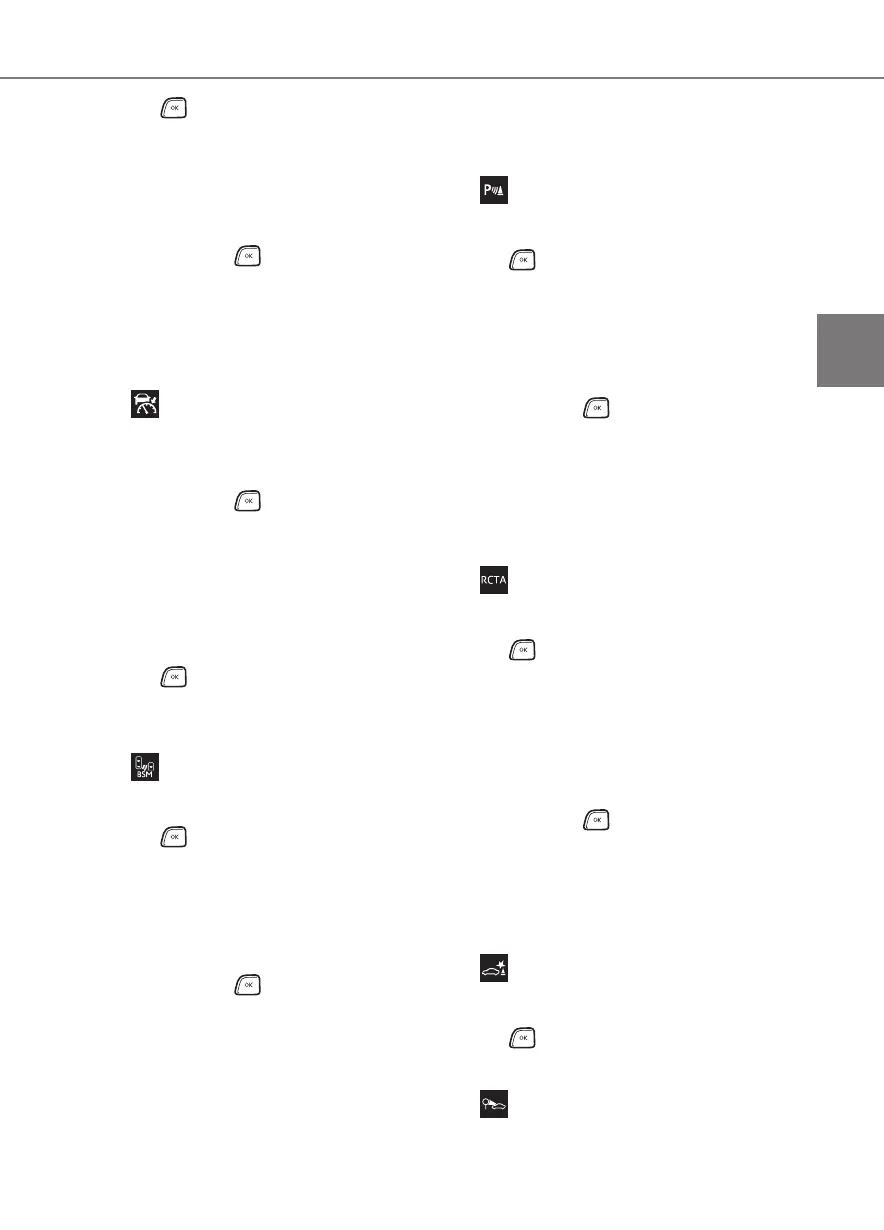
DRCC (Dynamic Radar
Cruise Control with full-speed
range) (P.204)
Press and hold to change the set-
tings of the following items:
• “Curve Speed Reduction” (P. 2 11 )
Select to set the curve speed reduction
function strength.
• “DRCC(RSA)” (P.212)
Press to enable/disable the
Dynamic Radar Cruise Control with
Road Sign Assist.
BSM (Blind Spot Monitor)
(P.225)
Press to enable/disable the Blind
Spot Monitor function.
• BSM (Blind Spot Monitor) on/off
Select to enable/disable the Blind Spot
Monitor function.
Press and hold to change the set-
tings of the following items:
• “Brightness”
Select to switch the brightness of the
outside rear view mirror indicators.
(P.225)
• “Sensitivity”
Select to change the alert timing for an
approaching vehicle.
Toyota parking assist-sensor
(P.229)
Press to enable/disable the Toyota
parking assist-sensor.
• Toyota parking assist-sensor on/off
Select to enable/disable the Toyota
parking assist-sensor.
Press and hold to change the set-
tings of the following item:
•“Volume”
Select to set the volume of the buzzer
which sounds when the Toyota parking
assist-sensor is operated.
RCTA (Rear Cross Traffic
Alert) (P.237)
Press to enable/disable the Rear
Cross Traffic Alert function.
• RCTA (Rear Cross Traffic Alert)
on/off
Select to enable/disable the Rear Cross
Traffic Alert function.
Press and hold to change the set-
tings of the following item:
•“Volume”
Select to change the volume of the
RCTA buzzer.
PKSB (Parking Support
Brake) (P.244)
Press to enable/disable the Park-
ing Support Brake function.
RSA (Road Sign Assist)
(P.216)














 To Next Page