44
ADJUSTING LDA ALERT SENSITIVITY
DISABLING STEERING ASSIST
TOYOTA SAFETY SENSE
™
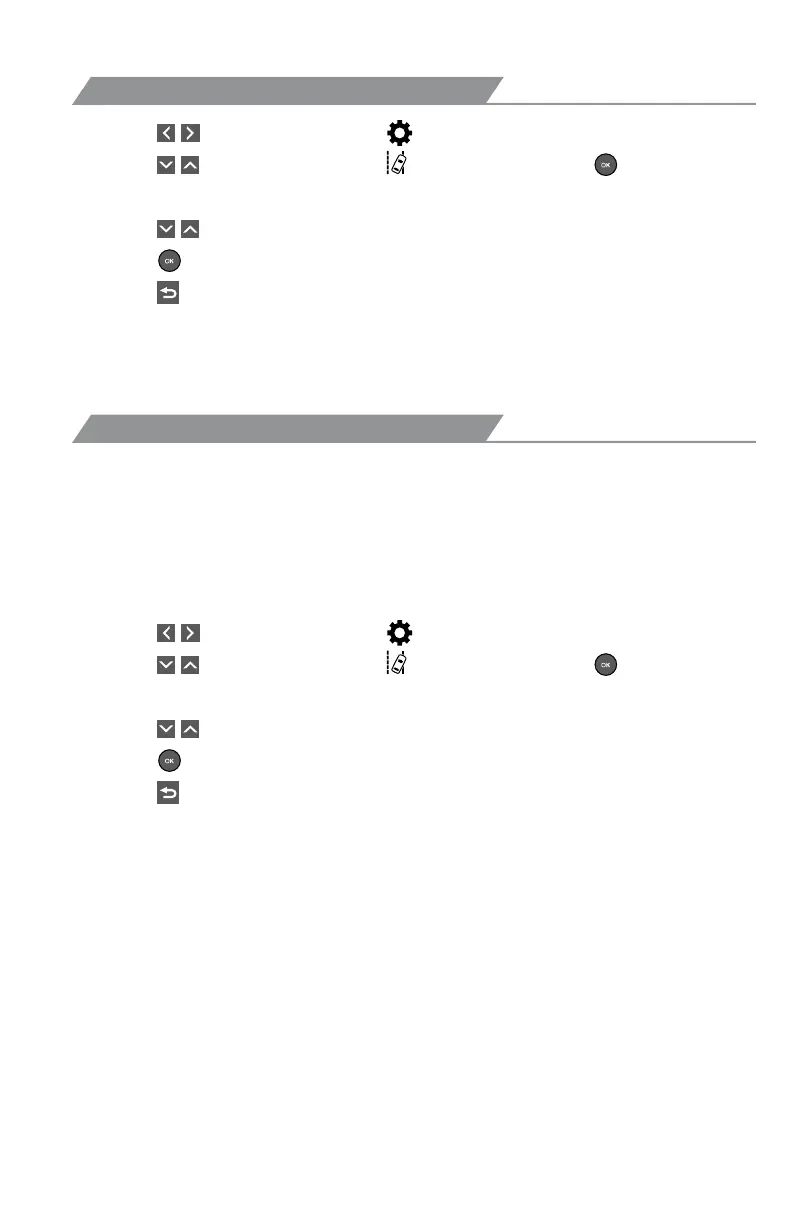
(1) Press “ ” switches and select “ ” from the Multi-Information Display (MID).
(2) Press “
” switches and select “ LDA” and then press “ .” The setting
screen is displayed.
(3) Press “
” switches and select the “Steering Assist” setting function and then
press “
” to select the desired setting.
(4) Press “
” to go back to the menu.
Note: Operation of the LDA system and setting adjustments continues in the
same condition regardless of Ignition cycle until changed by the driver or the
system is reset.
The driver can adjust the sensitivity of the LDA (warning) function from the
Multi-Information Display (MID) customization screen.
High - Is designed to warn approximately before the front
tire crosses the lane marker.
Normal - Is designed to warn approximately when the front
tire crosses the lane marker.
(1) Press “
” switches and select “ ” from the Multi-Information Display (MID).
(2) Press “
” switches and select “ LDA” and then press “ .” The setting
screen is displayed.
(3) Press “
” switches and select the “Sensitivity” setting function and then
press “
” to select the desired setting.
(4) Press “
” to go back to the menu.














 To Next Page