25
GB
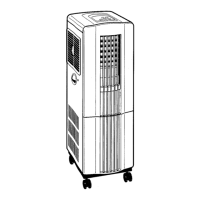
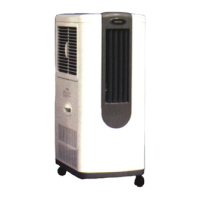
Multifunctional Unit 5 in 1
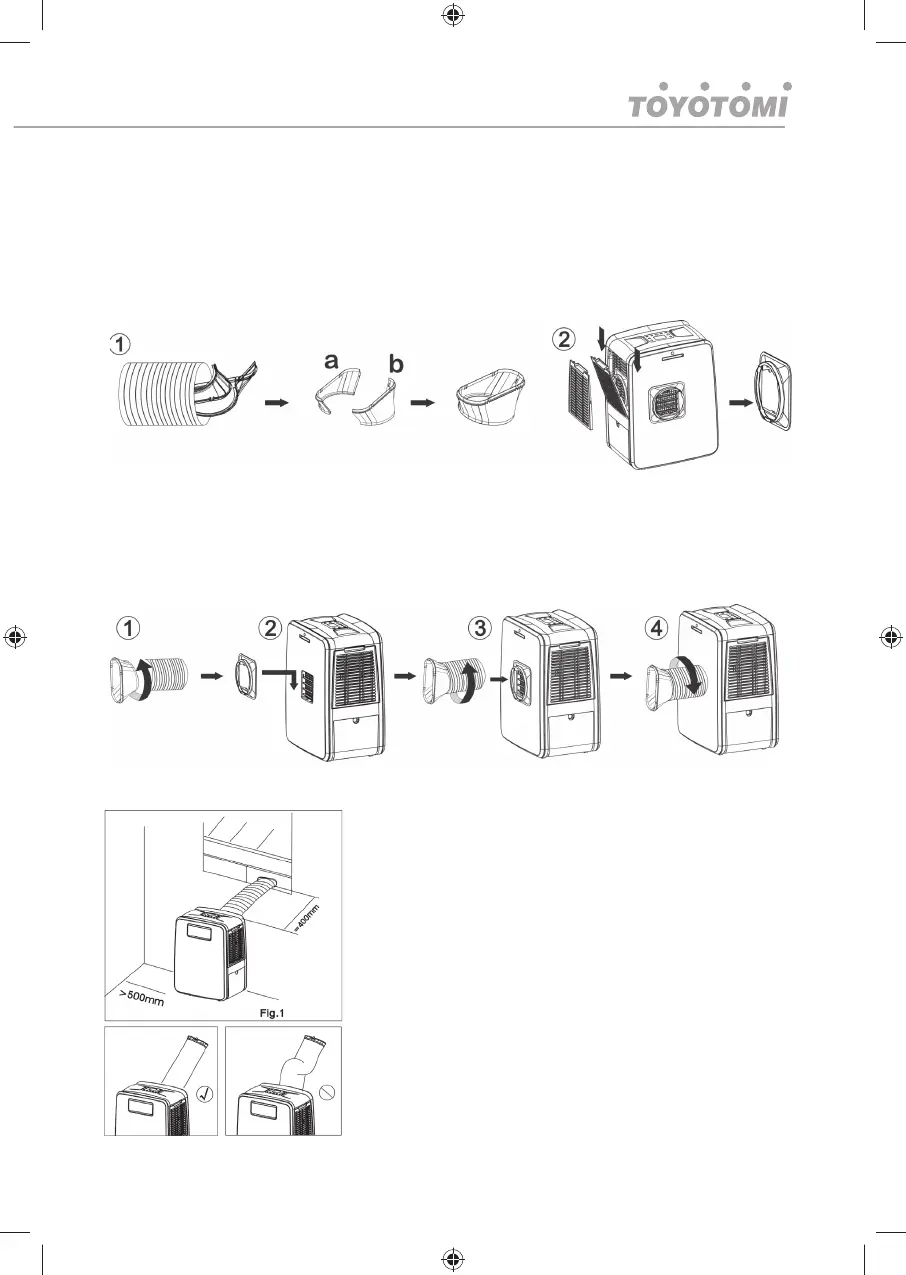
Assemble the hose (for vented air conditioning mode and directional drying)
1. Remove the hot air exhaust hose (7) from the water tank (15). The fi shtail (6) parts (a) and
(b) are stored within the hose (7). Prepare both parts (a) and (b) of hose adaptor and clip
them together. Do not push too hard as this may cause damage. Fr
2. Open fi lter (8) and remove hot air exhaust mount adapter (10) from its storage. Clip the hot
air exhaust mount (10) over hot air outlet (11) making sure it clicks into place.
The procedure is illustrated bellow.
1. Insert the hose (7) in to the fi shtail (6) and rotate it at least 3 times until in place
2. Make sure hot air exhaust mount adapter (10) is clipped to the unit
3. Insert the assembled hose and fi shtail
4. Rotate is fi rmly into adapter. To screw it into place should take no less than three rotations.
The procedure is illustrated bellow.
Note: To remove the hose and adapter reverse the procedure
Installation of window kit(Optional part)
If you want to use the unit more than a spot cooler we
recommend to vent it out using the supplied window kit(Optional
part). Partially open the window and then fi x the window kit to
the window either horizontally (fi g.1) or vertically. Clip the other
end of the hose with the fi shtail adapter to the air outlet of the
window slider.
Make sure the unit is upright and there are no obstructions to
the air inlets and outlet grills.
Note: The window kit is only designed to be installed with
sliding or sash windows or doors. The window kit is not made
to be used with any other style of windows. However the fi sh
tail adaptor can be used with most windows / doors but there
will be an old air escape making unit less effi cient. When using
the cooling mode ensure that the opening left is as small as




 To Next Page