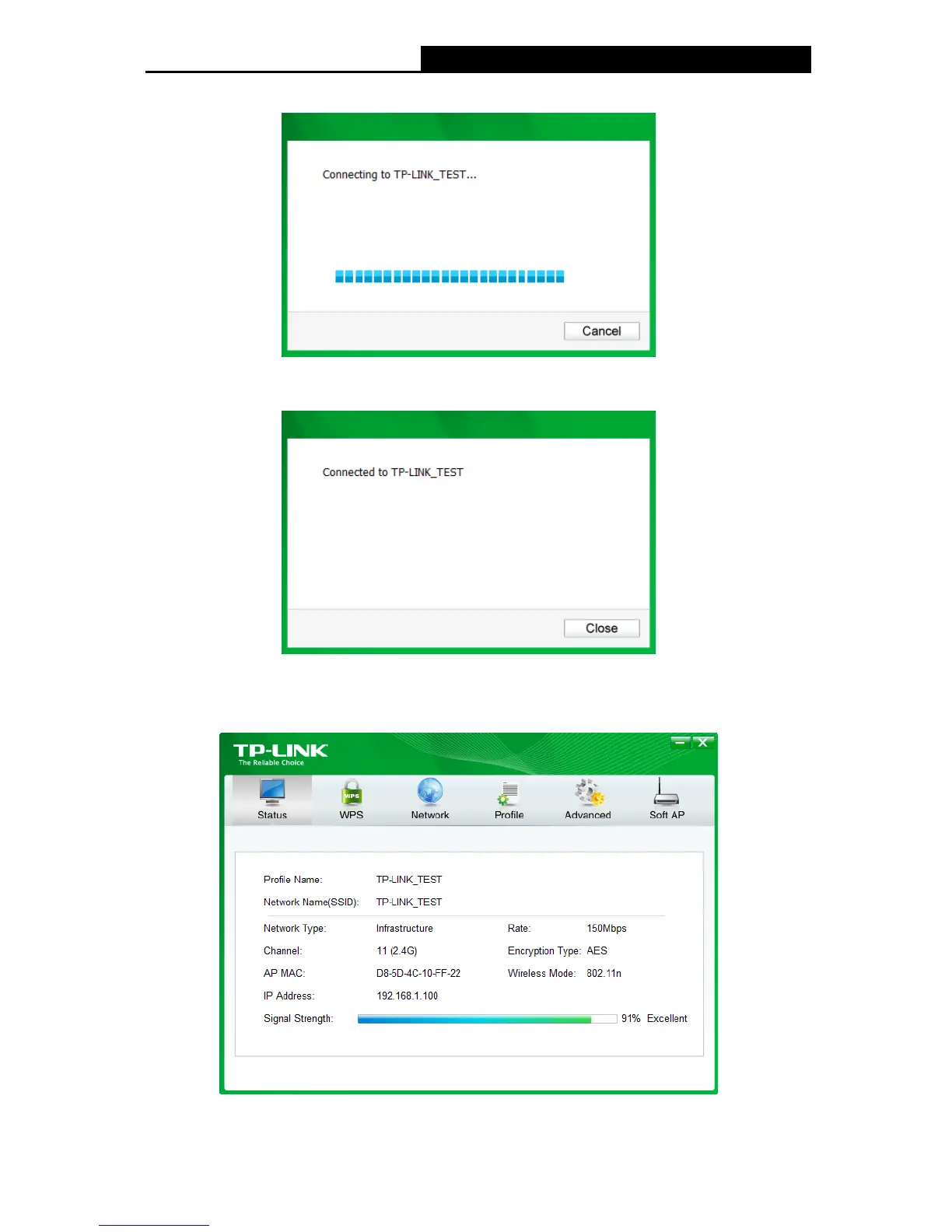
4. Please wait a few minutes for the connection process.
Figure 3-6
5. You have now successfully connected to your network. Click Close to enjoy the Internet.
Figure 3-7
6. To view more information about the network currently connected, click Status in the tools
section and the page will display information such as the network type, channel, rate, etc.
Figure 3-8
12











 To Next Page