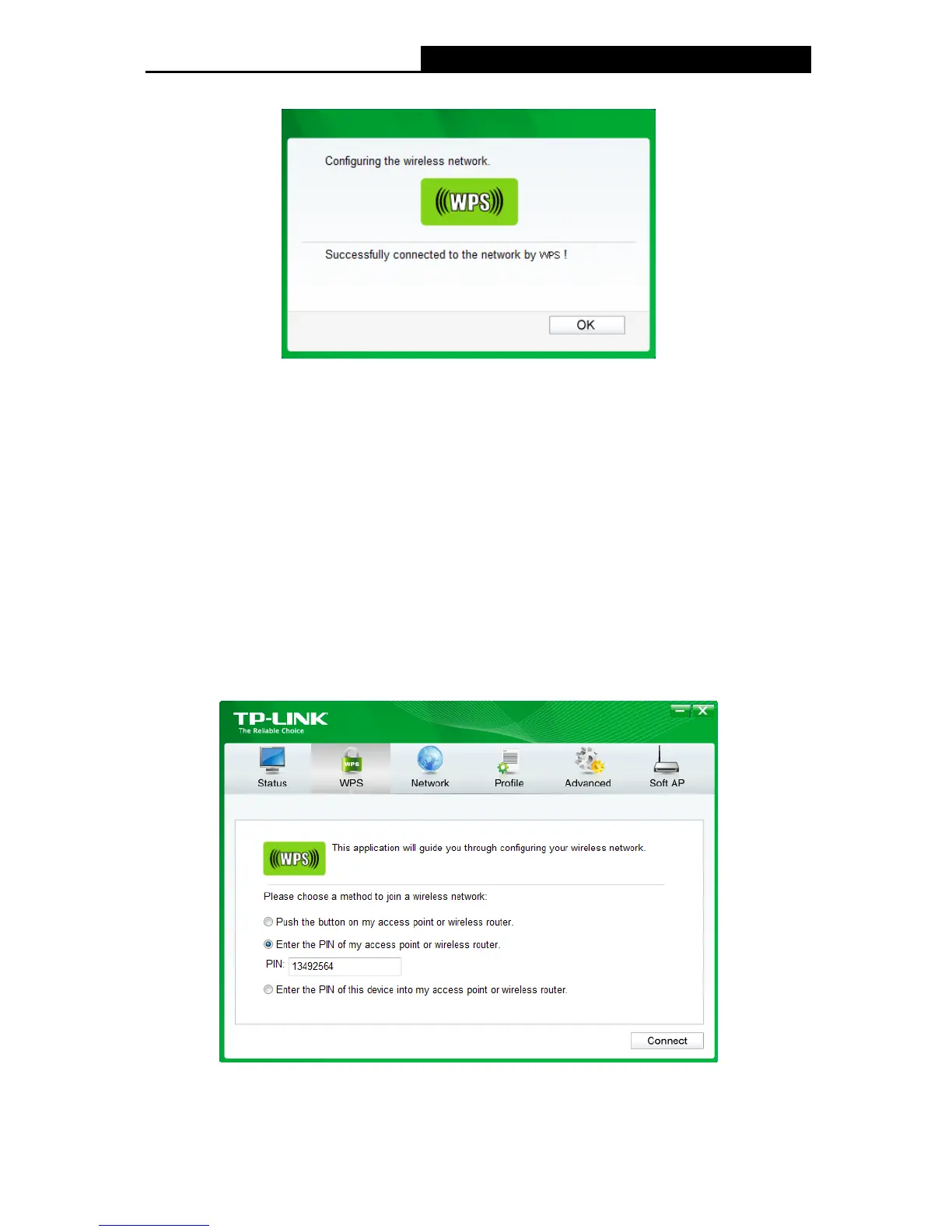
4. When the following window appears, you have successfully connected to the network.
Figure 3-12
3.2.2 PIN method
There are two ways to configure the WPS by PIN method:
1) Enter the PIN from your Router or AP device.
2) Enter a PIN into your Router or AP device.
Following are the detailed configuration procedures of each way.
3.2.2.1. Enter the PIN from your Router or AP device
1. Open TWCU and click WPS tab. Select Enter the PIN of my access point or wireless
Router. In the empty field beside PIN, enter the PIN labeled on the bottom of the Router
(here we use 13492564 as an example). If you have generated a new PIN code for your
Router, please enter the new one instead. Click Connect to continue.
Figure 3-13
15











 To Next Page