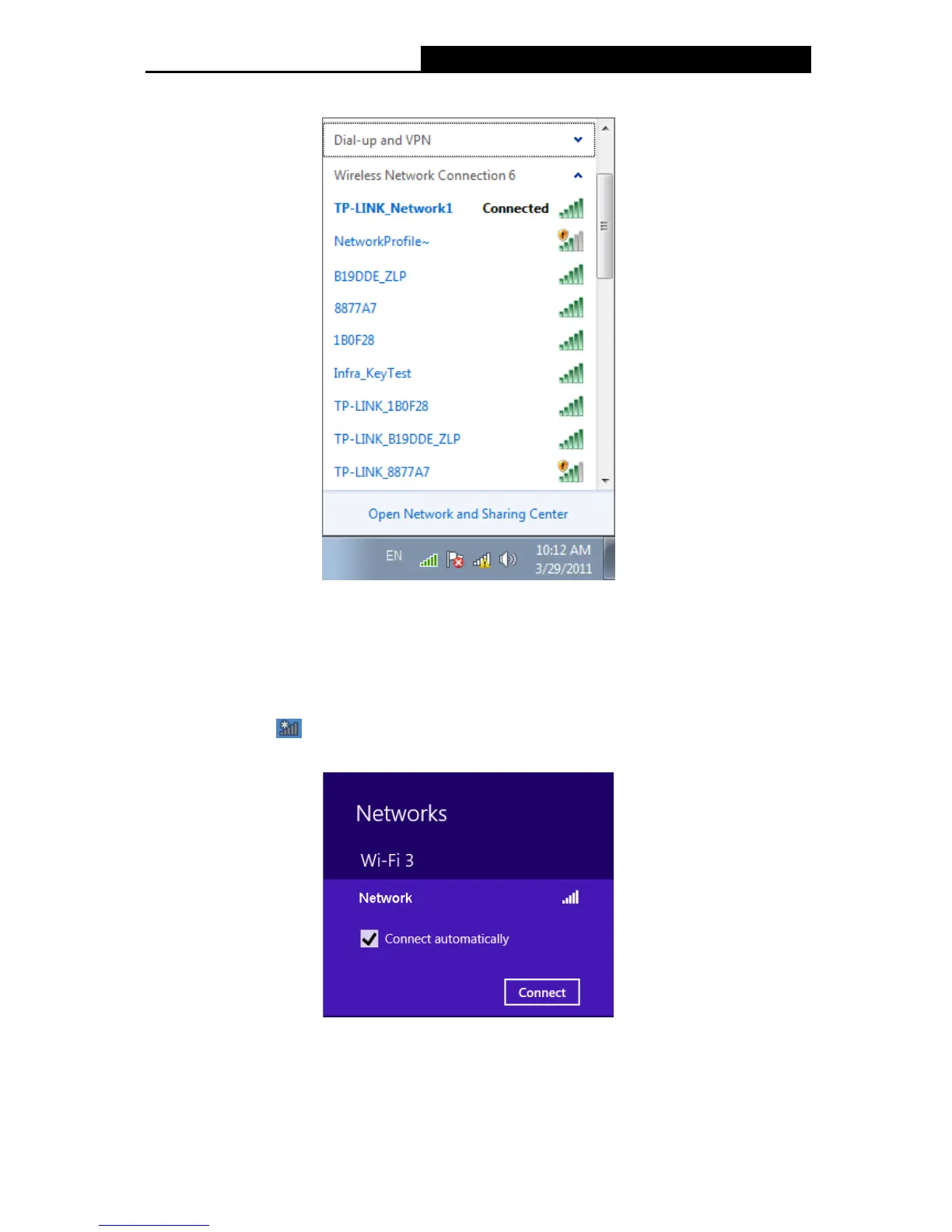
3. You have now successfully connected to the network.
Figure 3-27
3.3.3 In Windows 8/8.1
The built-in wireless utility in Windows 8 and Windows 8.1 are quite similar, here we use
Windows 8 as an example, please follow the steps below.
1. Click the icon
at the bottom of your screen, and a network list will appear at the right
side of your screen. Select your target network, and then click Connect.
Figure 3-28
21











 To Next Page