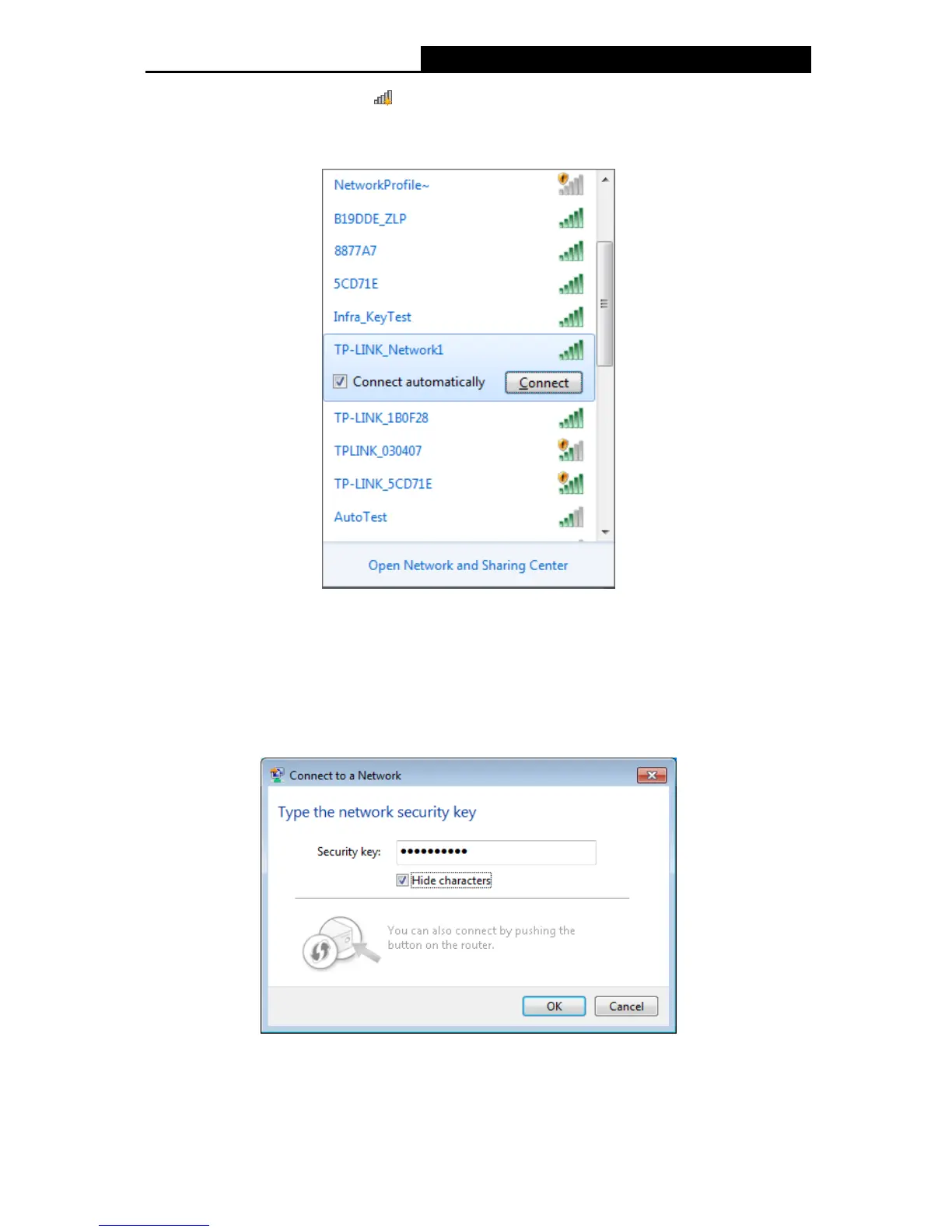
1. Left-click the wireless icon in your system tray (lower-right corner). The utility will
display any available wireless networks in your area. Highlight the wireless network
(displayed using the SSID) to be connected and then click Connect.
Figure 3-25
2. If the network you would like to connect is encrypted, enter the same security key or
passphrase that is on your Router. Or push the WPS/QSS button on the Router or access
point (You will be prompted to push the button on the window if WPS function is supported
as shown in the figure below). If the network to be connected is not secure, the connection
will be built without entering a key.
Figure 3-26
20











 To Next Page