Archer T4U TP-LINK Wireless USB Adapter User Guide
14
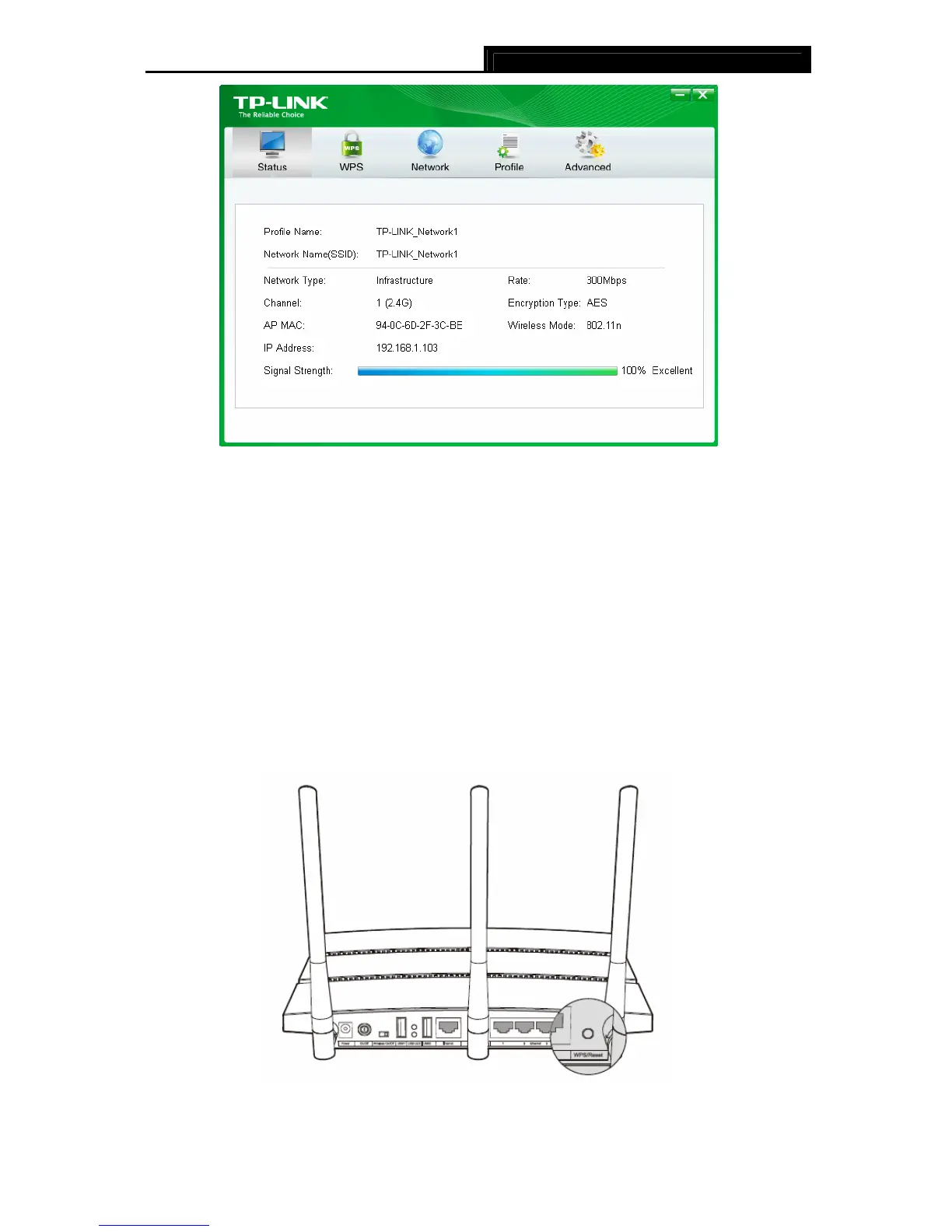
Figure 3-8
3.2 To connect using WPS
WPS (Wi-Fi Protected Setup) function allows you to add a new wireless device to an existing
network quickly.
If your wireless Router supports WPS or QSS (Quick Security Setup), you can establish a
wireless connection between wireless card and Router using either Push Button Configuration
(PBC) method or PIN method. Three WPS connection methods are listed in the following parts.
3.2.1 PBC (Push Button Configuration) method
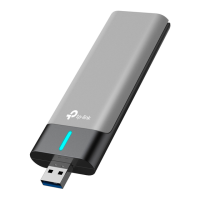
1. Press the WPS or QSS button on the Router. Here we use Router Archer C7 as an
example. Press the WPS/Reset button for 2~3 seconds.
2. Open TWCU and click WPS tab. Select Push the button on my access point or wireless
Router and then click Connect.










 To Next Page