6
Chapter 1
Get to Know About Your Modem Router
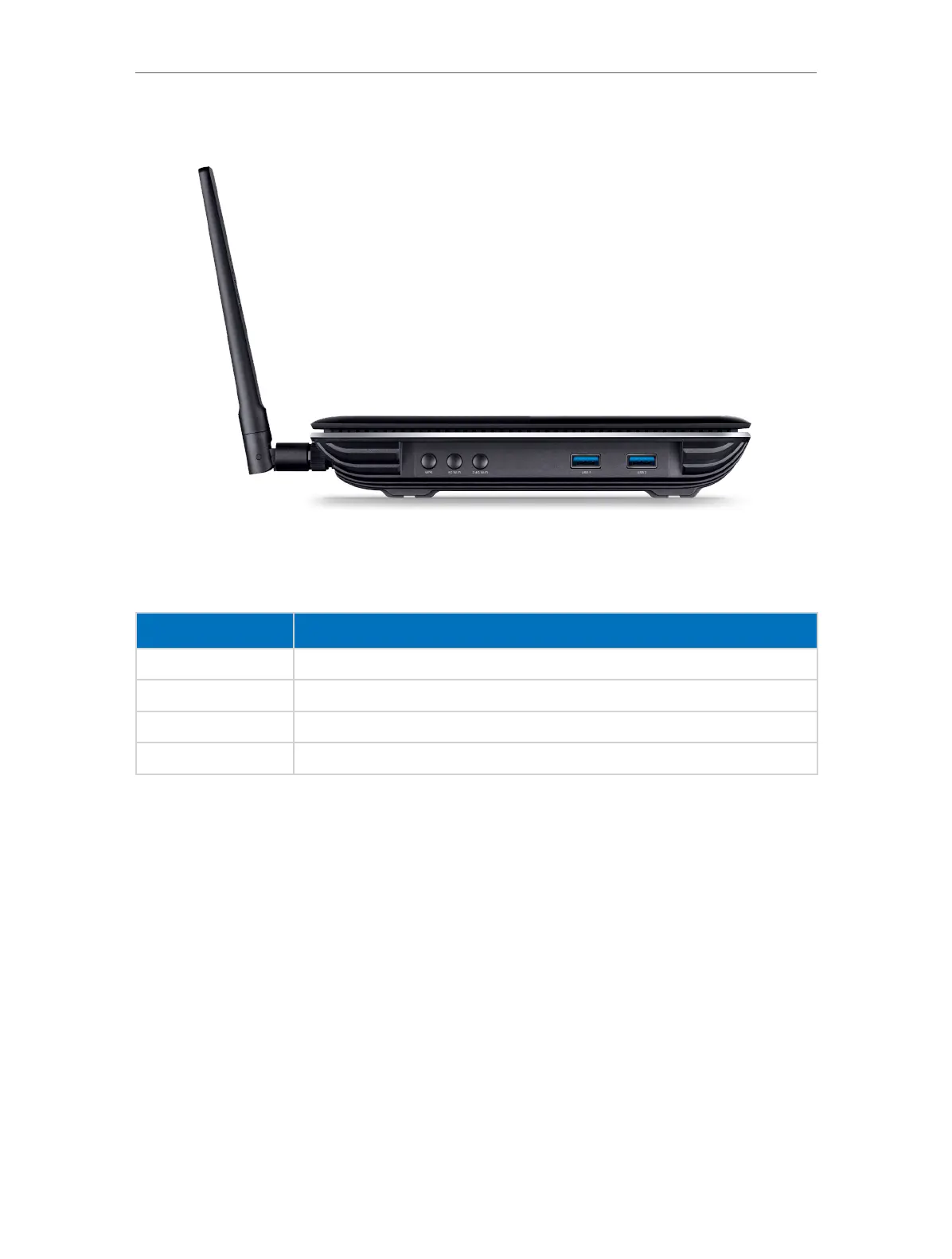
1. 2. 3. Side Panel
The side panel provides buttons and connection ports. Refer to the following for
detailed instructions.
Item
Description
WPS Button Press to start a WPS synchronization.
5G Wi-Fi Button Press to turn 5GHz Wi-Fi on or off.
2.4G Wi-Fi Button Press to turn 2.4GHz Wi-Fi on or off.
USB1 and USB2 Ports For connecting to USB storage devices or USB printers.












 To Next Page