JetStream Gigabit L2 Managed Switch
II Contents
Contents
Chapter 1 Introduction ——————————— 01
1.1 Product Overview .................................................01
1.2 Appearance ............................................................01
Chapter 2 Installation ——————————— 07
2.1 Package Contents ...............................................07
2.2 Safety Precautions ..............................................07
2.3 Installation Tools ...................................................09
2.4 Product Installation .............................................09
Chapter 3 Lightning Protection ——————— 11
3.1 Cabling Reasonably .............................................11
3.2 Connect to Ground .............................................13
Chapter 4 Connection ——————————— 16
4.1 Ethernet Port .......................................................... 16
4.2 SFP Port ...................................................................16
4.3 Console Port ..........................................................16
4.4 Verify Installation ..................................................17
4.5 Power On .................................................................18
4.6 Initialization ............................................................. 18
Chapter 5 Conguration —————————— 19
5.1 Congure the Switch via GUI ...........................19
5.2 Congure the Switch Using CLI ......................20
Appendix A Troubleshooting ———————— 23
Appendix B Hardware Specications ————— 25

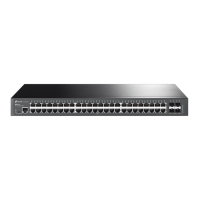
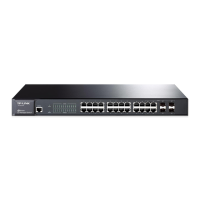

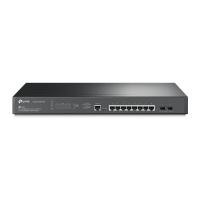



 To Next Page