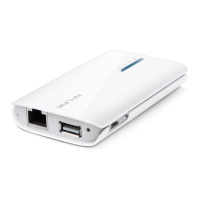
TL-MR3040 Portable 3G/3.75G Battery Powered Wireless N Router
Chapter 2. Connecting the Router
2.1 System Requirements
¾ 3G/3.75G Mobile Broadband Internet Access Service (With a UMTS/HSPA/EVDO USB
dongle)
¾ PCs with a working Ethernet Adapter and an Ethernet cable with RJ45 connectors
¾ TCP/IP protocol on each PC
¾ Web browser, such as Microsoft Internet Explorer 5.0 , Netscape Navigator 6.0 or above
2.2 Installation Environment Requirements
¾ Place the Router in a well ventilated place far from any heater or heating vent
¾ Avoid direct irradiation of any strong light (such as sunlight)
¾ Keep at least 2 inches (5 cm) of clear space around the Router
¾ Operating Temperature: 0 ~40 (32 ~104 )
¾ Operating Humidity: 10%~90%RH, Non-condensing
-5-











 To Next Page