11
Appendix B: Troubleshooting
1. The Power LED is not lit
¾ Make sure the AC power cord connected the Switch with power source
properly.
¾ Make sure the power source is ON.
2. The Link/Act LED is not lit when a device is connected to the
corresponding port
¾ Make sure that the cable connectors are firmly plugged into the Switch and the
device.
¾ Make sure the connected device is turned on and working well.
¾ The cable must be less than 100 meters long(328 feet).
Appendix C: Contact Information
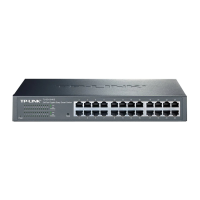
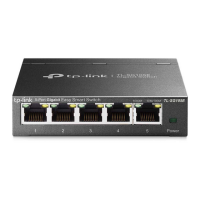
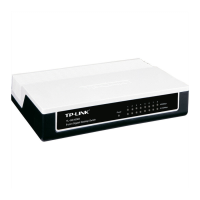
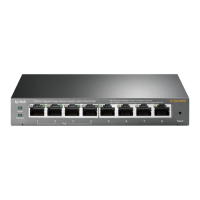
For help with the installation or operation of the TP-LINK TL-SG1008/TL-SG1016D/
TL-SG1024D Switch, please contact us.
E-mail: support@tp-link.com
Website: http://www.tp-link.com









 To Next Page
