2.
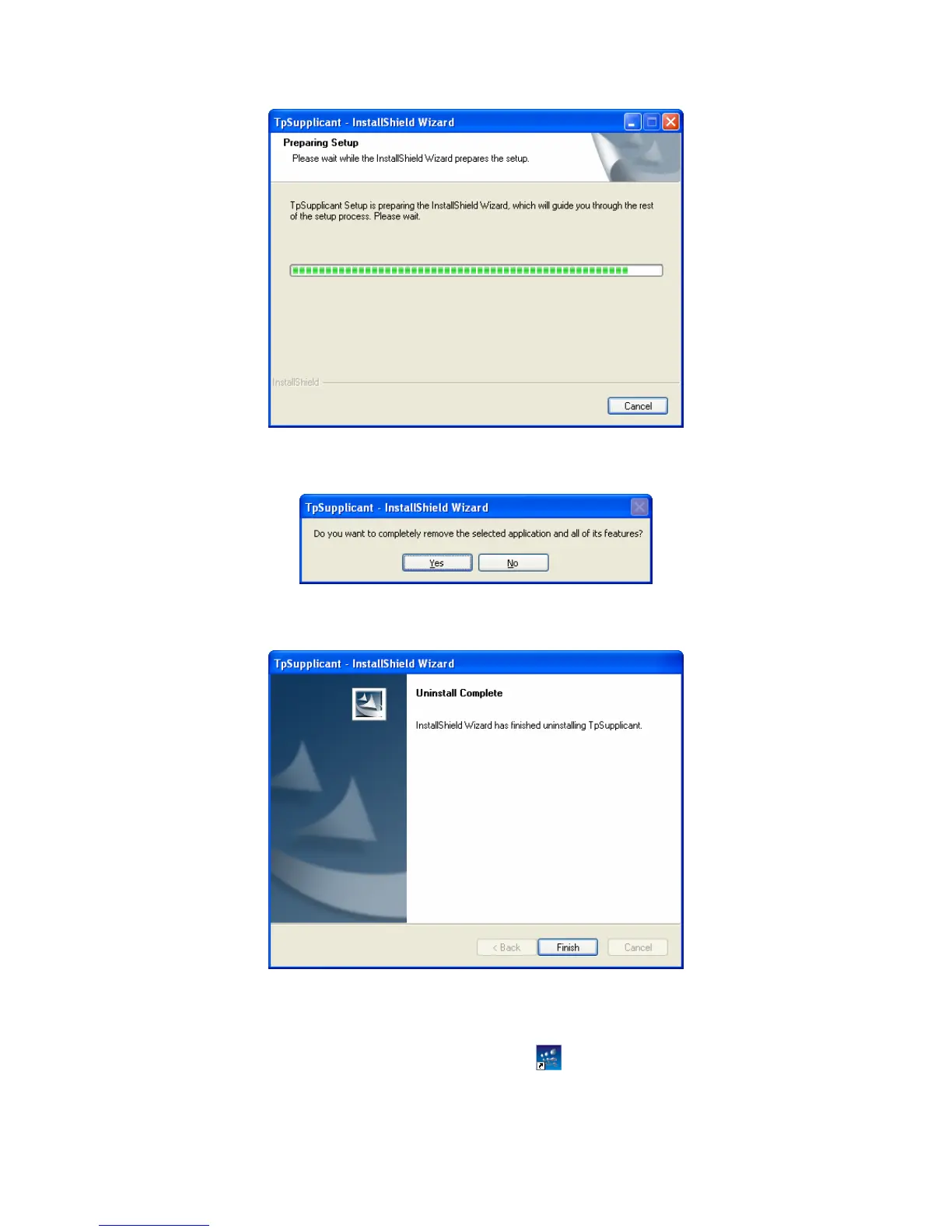
Then the following screen will appear. If you want to stop the remove process, click Cancel.
Figure C-9 Preparing Setup
3. On the continued screen, click Yes to remove the application from your PC.
Figure C-10 Uninstall the Application
4. Click Finish to complete.
Figure C-11 Uninstall Complete
1.3 Configuration
1. After completing installation, double click the icon to run the TP-LINK 802.1X Client
Software. The following screen will appear.
232


 To Next Page
 Loading...








