EasyManua.ls Logo

TP-Link TL-SL5428 - User Manual

TP-Link TL-SL5428
641 pages
Print Icon
To Next Page IconTo Next Page
Loading...
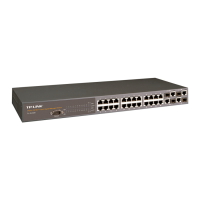
TL-SL5428
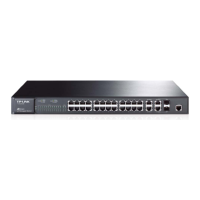
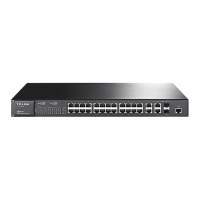
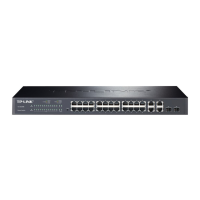
24-Port 10/100 + 4-Port Gigabit Managed Switch
Rev: 1.0.0
1910010123

Table of Contents

Other manuals for TP-Link TL-SL5428

Questions and Answers

  • K
    Kevin CoxJul 31, 2025
    What to do if the Link/ACT LED is off on my TP-Link TL-SL5428?
    • C
      Christopher RodriguezJul 31, 2025
      If the Link/ACT LED is off on your TP-Link Switch, first ensure that both the switch and the connected device are powered on. Next, verify that the cable is securely plugged into both the switch and the corresponding device. If the switch is in a rack, inspect the connections to the punch-down block and patch panel. Confirm that you're using the correct cable type and that its length doesn't exceed the specified limits. Finally, check the adapter and cable connections on the attached device for any defects and replace them if needed.
  • M
    Martha WeaverAug 8, 2025
    How to troubleshoot a TP-Link TL-SL5428 with PWR LED off?
    • T
      Timothy ValenzuelaAug 8, 2025
      If the PWR LED is off on your TP-Link Switch, it could be due to a disconnected power supply. Check all connections between the switch, the power cord, and the wall outlet. If the issue persists, contact your dealer for assistance.
  • P
    Patrick SolomonAug 15, 2025
    What to do if Diag LED is Amber on TP-Link Switch?
    • G
      George MyersAug 15, 2025
      If the Diag LED is amber on your TP-Link Switch, power cycle the switch to try and clear the condition. If the condition persists, contact your dealer for assistance.
  • W
    William MatthewsAug 21, 2025
    Why is the PWR LED Amber on my TP-Link TL-SL5428?
    • B
      bpageAug 22, 2025
      If the PWR LED is amber on your TP-Link Switch, it indicates that the internal power supply has failed. Contact your local dealer for assistance.

TP-Link TL-SL5428 Specifications

General IconGeneral
BrandTP-Link
ModelTL-SL5428
CategorySwitch
LanguageEnglish

Related product manuals