VLAN Configuration
3-181
3
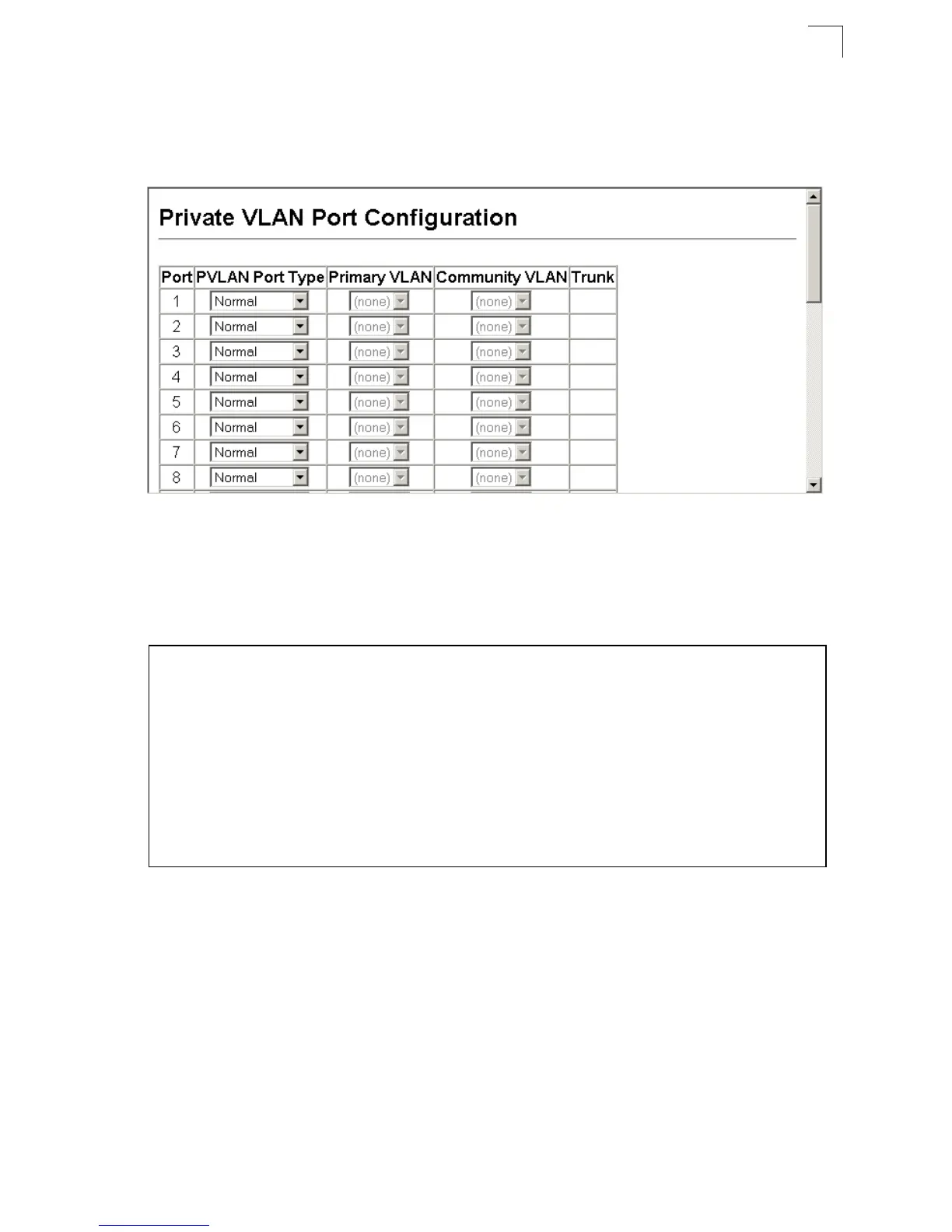
Web – Click VLAN, Private VLAN, Port Configuration or Trunk Configuration. Set the
PVLAN Port Type for each port that will join a private VLAN. Assign promiscuous
ports to a primary VLAN. Assign host ports to a community VLAN. After all the ports
have been configured, click Apply.
Figure 3-108 Private VLAN Port Configuration
CLI – This example shows the switch configured with primary VLAN 5 and
secondary VLAN 6. Port 3 has been configured as a promiscuous port and mapped
to VLAN 5, while ports 4 and 5 have been configured as a host ports and associated
with VLAN 6. This means that traffic for port 4 and 5 can only pass through port 3.
Protocol VLANs
You can configure VLAN behavior to support multiple protocols to allow traffic to
pass through different VLANs. When a packet is received at a port, its VLAN
membership is determined by the protocol type of the packet.
Protocol VLAN Group Configuration
Command Attributes
• Protocol Group ID – Protocol Group ID assigned to the Protocol VLAN Group.
(Range: 1-2147483647)
Console(config)#interface ethernet 1/3
Console(config-if)#switchport mode private-vlan promiscuous 4-257
Console(config-if)#switchport private-vlan mapping 5 4-259
Console(config-if)#exit
Console(config)#interface ethernet 1/4
Console(config-if)#switchport mode private-vlan host 4-257
Console(config-if)#switchport private-vlan host-association 6 4-258
Console(config-if)#exit
Console(config)#interface ethernet 1/5
Console(config-if)#switchport mode private-vlan host
Console(config-if)#switchport private-vlan host-association 6
Console(config-if)#












 To Next Page