Basic Configuration
3-29
3
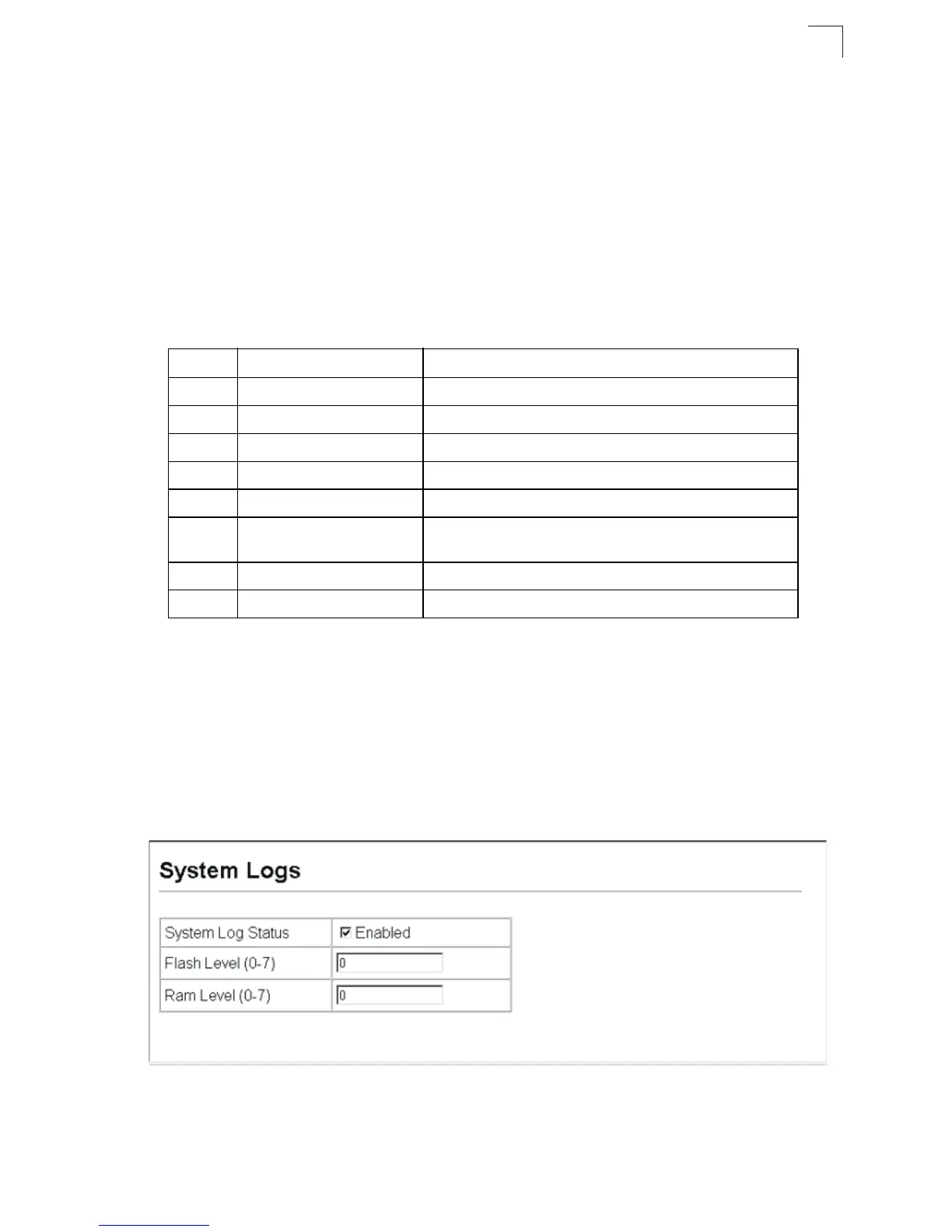
The System Logs page allows you to configure and limit system messages that are
logged to flash or RAM memory. The default is for event levels 0 to 3 to be logged to
flash and levels 0 to 6 to be logged to RAM.
Command Attributes
• System Log Status – Enables/disables the logging of debug or error messages to
the logging process. (Default: Enabled)
• Flash Level – Limits log messages saved to the switch’s permanent flash memory
for all levels up to the specified level. For example, if level 3 is specified, all
messages from level 0 to level 3 will be logged to flash. (Range: 0-7, Default: 3)
• RAM Level – Limits log messages saved to the switch’s temporary RAM memory
for all levels up to the specified level. For example, if level 7 is specified, all
messages from level 0 to level 7 will be logged to RAM. (Range: 0-7, Default: 6)
Note:
The Flash Level must be equal to or less than the RAM Level.
Web – Click System, Log, System Logs. Specify System Log Status,
set the level of
event messages to be logged to RAM and flash memory, then click Apply.
Figure 3-17 System Logs
Table 3-3 Logging Levels
Level Severity Name Description
7 Debug Debugging messages
6 Informational Informational messages only
5 Notice Normal but significant condition, such as cold start
4 Warning Warning conditions (e.g., return false, unexpected return)
3 Error Error conditions (e.g., invalid input, default used)
2 Critical Critical conditions (e.g., memory allocation, or free memory
error - resource exhausted)
1 Alert Immediate action needed
0 Emergency System unusable
* There are only Level 2, 5 and 6 error messages for the current firmware release.












 To Next Page