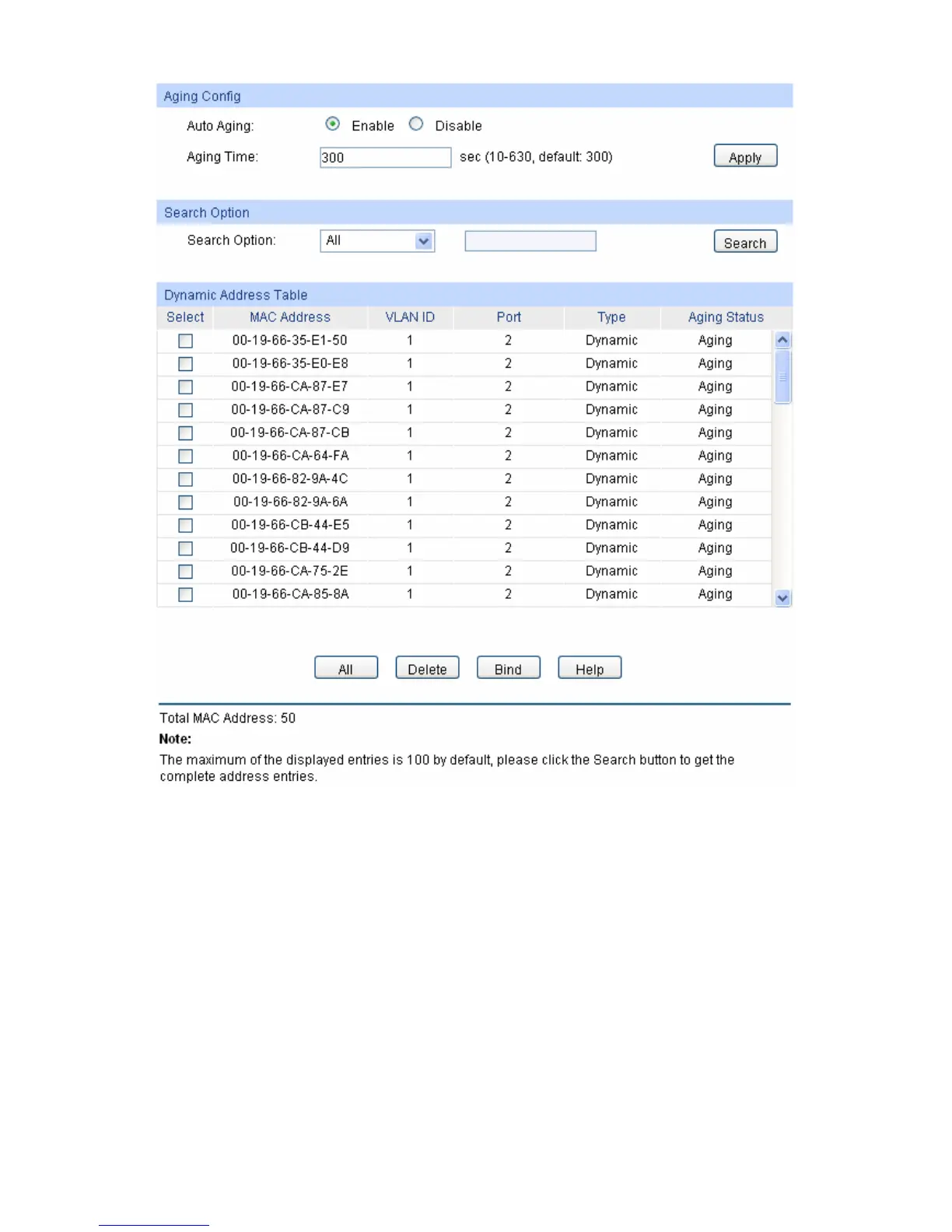
Figure 5-15 Dynamic Address
The following entries are displayed on this screen:
Aging Config
Auto Aging: Allows you to Enable/Disable the Auto Aging feature.
Aging Time: Enter the Aging Time for the dynamic address.
Search Option
Search Option: Select a Search Option from the pull-down list and click the Search
button to find your desired entry in the Dynamic Address Table.
MAC Address: Enter the MAC address of your desired entry.
VLAN ID: Enter the VLAN ID number of your desired entry.
Port: Enter the Port number of your desired entry.
LAG ID: Enter the LAG ID of your desired entry.
51











 To Next Page