3
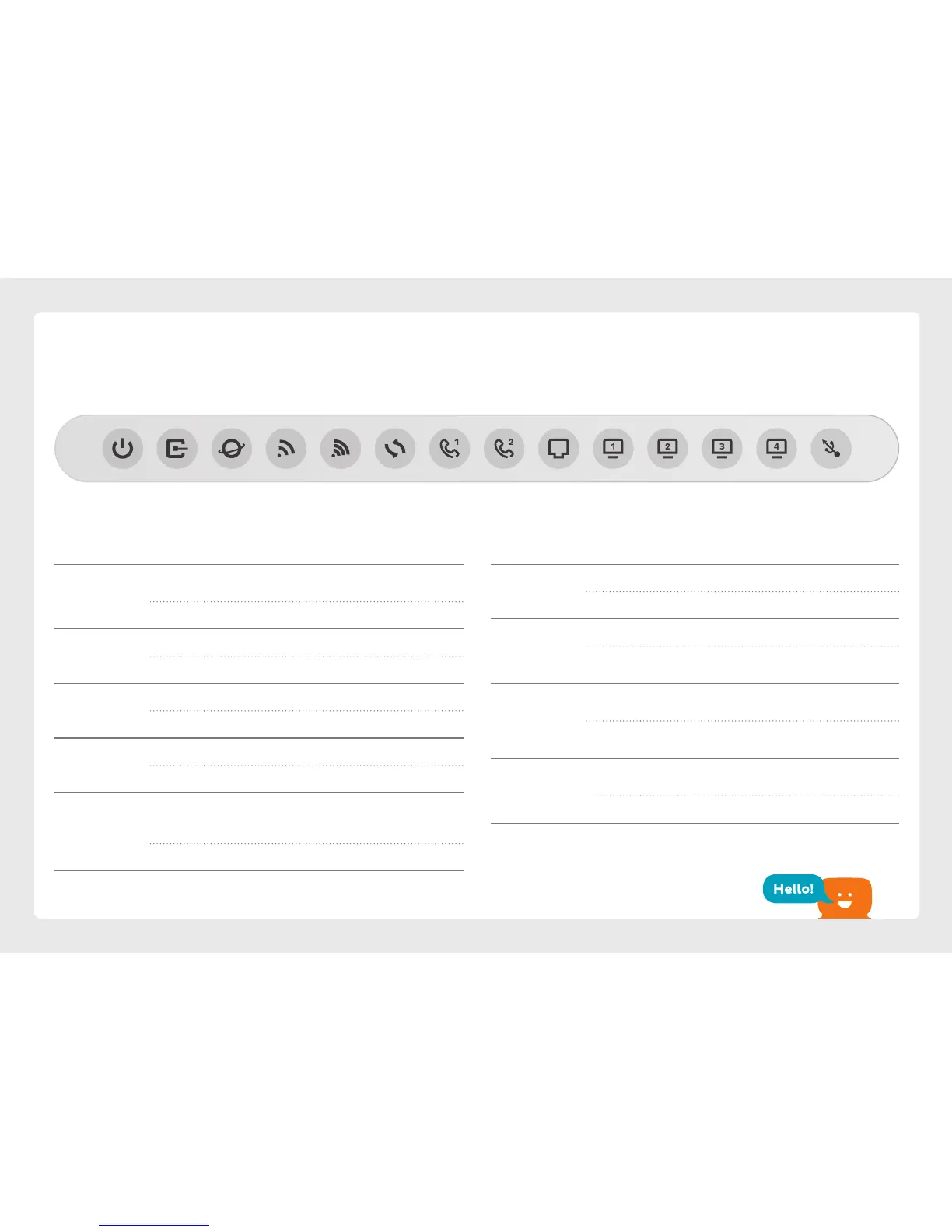
Light State Meaning
Phone - On Phone is off the hook.
Off Phone is on the hook.
WAN On Device plugged into modem’s WAN port.
Off No device plugged into modem’s WAN
port.
LAN - On Device(s) plugged into modem’s LAN
ports.
Off No device(s) plugged into modem’s LAN
ports.
USB On USB device is ready to use. Flashes while a
new USB device is booting up.
Off No USB device plugged into the USB port.
Get to know your modem
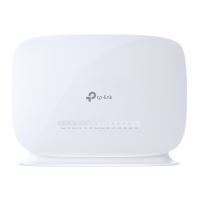
Power DSL G WPS WAN LAN Internet .G Phone Phone LAN LAN LAN USB
Light State Meaning
Power On Modem has power. Flashes while booting
up.
Off Modem has no power.
DSL On Modem has established a connection.
Off Modem has no connection.
Internet On Modem is online.
Off Modem is offline.
.G/G On .GHz/GHz WiFi is enabled.
Off .GHz/GHz WiFi is disabled.
WPS On Flashes during a WPS connection attempt
(may take up to minutes). Remains on for
~ minutes after successful connection.
Off WPS mode not in use.






 To Next Page