4
If you did not receive a Network Termination Unit (NTU)
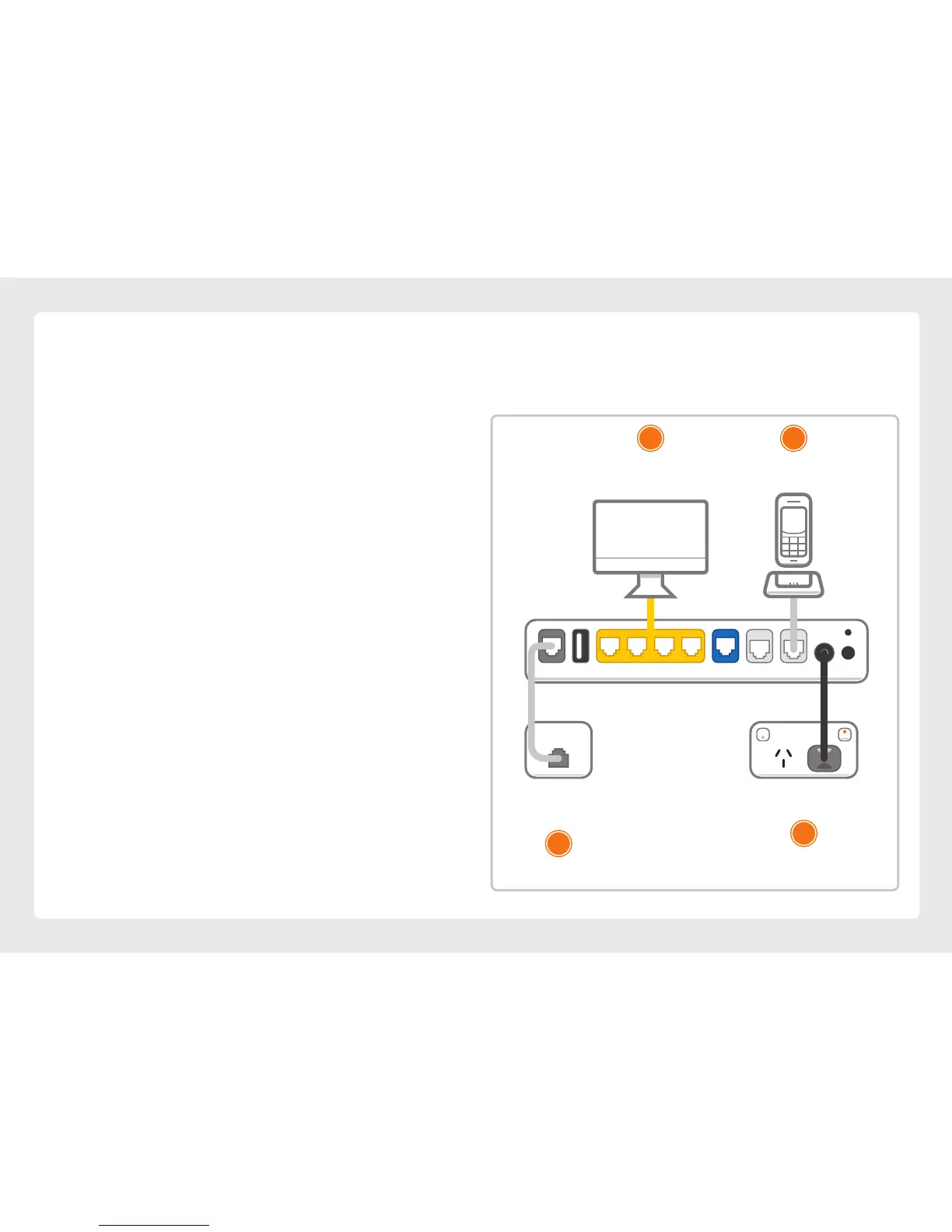
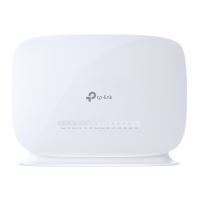
1. Use the supplied power cable to connect the
power port to a power outlet and ensure it is
turned on.
2. Use the supplied Phone cable to connect the grey
DSL port directly to the phone socket on the wall.
Do not use a line filter.
3. If you wish to use your VoIP phone service,
connect a handset to the Phone1 port.
4. You can use an additional Ethernet cable to
connect a computer to any of the 4 LAN ports.
Alternatively, follow the steps later in this guide
to connect devices via WiFi.
5. Turn to page 6 to continue your setup.
Ethernet Cable
Plug into your computer’s
Ethernet Port (Optional)
Phone Cable
Plug into handset (Optional)
Power Cable
Plug into power outlet
Phone Cable
Plug into the phone
socket on the wall
USBDSL LAN4 LAN3 LAN2 LAN1 WAN Phone2 Phone1 Power
1
2
4 3








 To Next Page