7
WiFi (Wireless) Setup
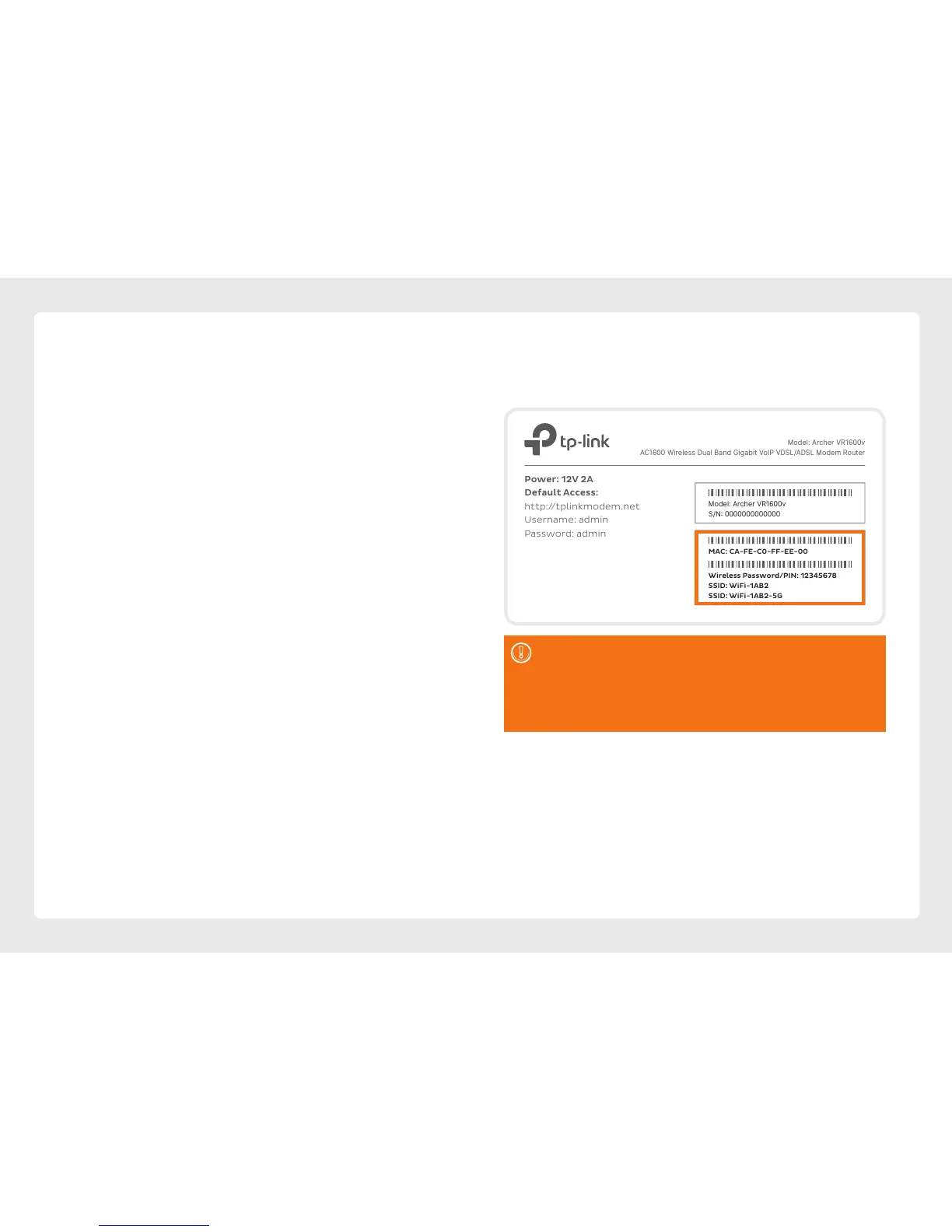
Your modem’s WiFi has been pre-configured.
You’ll find the WiFi network name (SSID) and
password printed on a sticker on the base of
your modem.
1. Make sure that WiFi is enabled on your computer,
tablet, smartphone or other WiFi device.
2. View the list of available WiFi networks on your
WiFi device and select the network that matches
the network name on your modem’s sticker.
3. Enter the WiFi password exactly as printed on the
sticker.
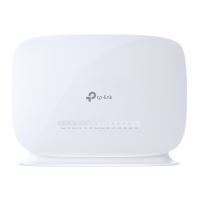
Model: Archer VR1600v
AC1600 Wireless Dual Band Gigabit VoIP VDSL/ADSL Modem Router
Model: Archer VR1600v
S/N: 0000000000000
Power: 12V 2A
Default Access:
http://tplinkmodem.net
Username: admin
Password: admin
MAC: CA-FE-C0-FF-EE-00
Wireless Password/PIN: 12345678
SSID: WiFi-1AB2
SSID: WiFi-1AB2-5G
Model: Archer VR1600v
AC1600 Wireless Dual Band Gigabit VoIP VDSL/ADSL Modem Router
Model: Archer VR1600v
S/N: 0000000000000
Power: 12V 2A
Default Access:
http://tplinkmodem.net
Username: admin
Password: admin
MAC: CA-FE-C0-FF-EE-00
Wireless Password/PIN: 12345678
SSID: WiFi-1AB2
SSID: WiFi-1AB2-5G
Your modem has 2 WiFi networks which share the same
default password but broadcast on different frequencies.
We recommend using the 5Ghz network to enjoy the
best performance possible, however if your device(s)
can’t connect to the 5GHz network, you'll need to use the
2.4GHz one.






 To Next Page