6
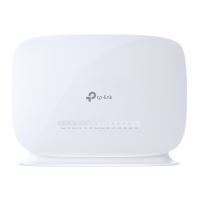
Switch your modem on using the power button
located on the back. By default, your broadband
settings should configure automatically once your
Broadband service is active and your modem is
powered on for 15 minutes.
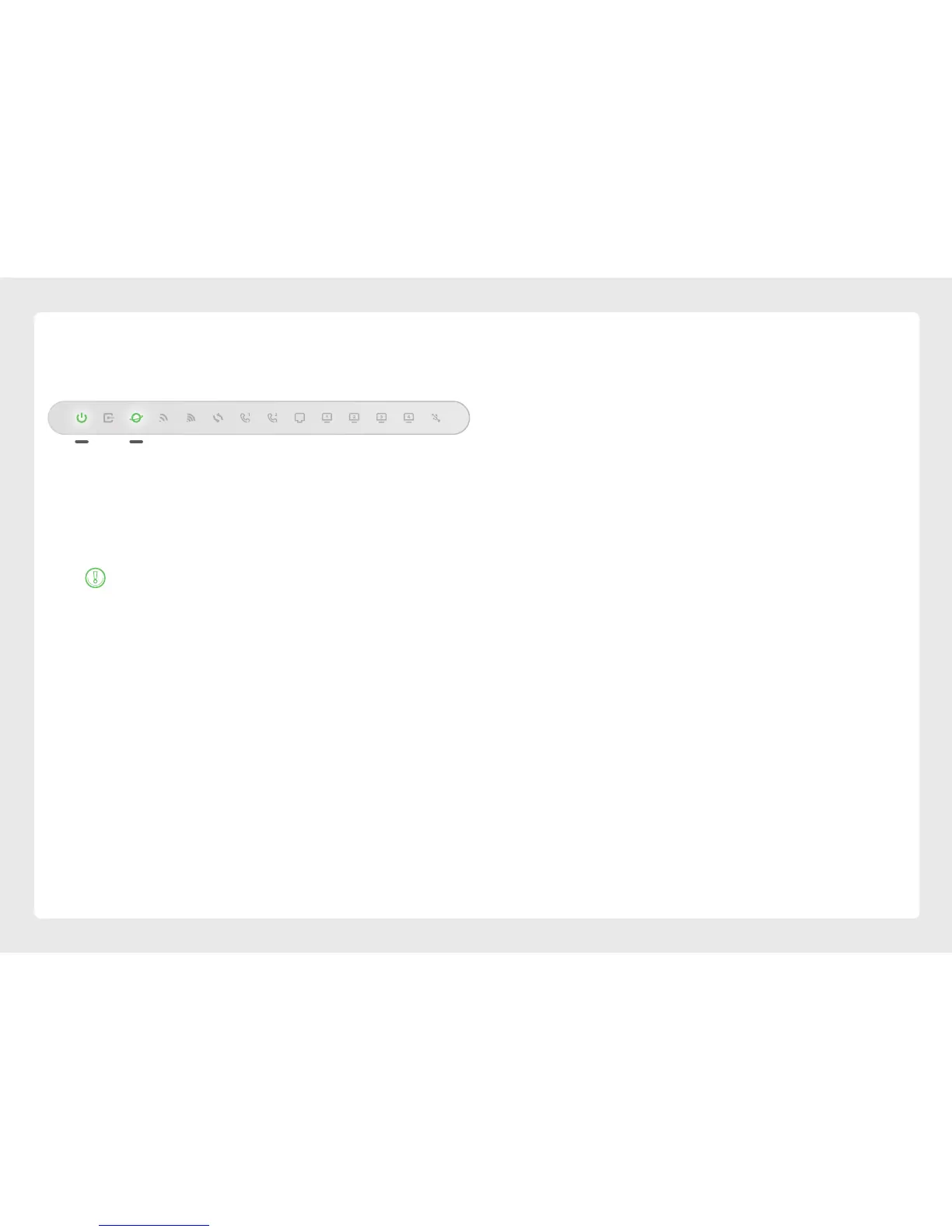
The Internet light on the front of your modem
should be on.
Is the internet light off?
Ensure that you received an email from us advising
that your Broadband service is ACTIVE.
If you haven’t received the email, your Broadband
connection is not ACTIVE yet. Please check your
last email from us for advice on your connection
appointment. It will include a reference number in
case you need to call with any concerns.
If you have, please use the contact details on the
back cover of this guide to call our Support Team for
assistance.
Powering on your Modem & VoIP Setup
Your VoIP phone service should set up automatically
once your services are active and your modem is
online.
If you’ve asked us to convert your existing phone
number to a VoIP service, please allow up to 7 days
after your FTTB service is active for this porting
process to complete. We’ll send you an email to
confirm when your VoIP service is active and ready to
use.
Please DO NOT cancel or make any changes to your
old phone service until the transfer is COMPLETE as
this can prevent a successful transfer.






 To Next Page