Page 14
6. Selecting Buffers for Auto Buffer Recognition
The Aqua-pH is factory set to automatically recognise pH4.00, pH6.88
and pH9.23 buffers. However, some users may prefer to use pH7.00
instead of pH6.88 and pH10.00 instead of pH9.23. The following
procedure describes how to set which of these buffers are automatically
recognised at calibration.
1. Switch the meter OFF.
2. Press and HOLD the key while switching the meter back on.
3. Release the key when the message, “Buffer 1 Select” is
displayed.
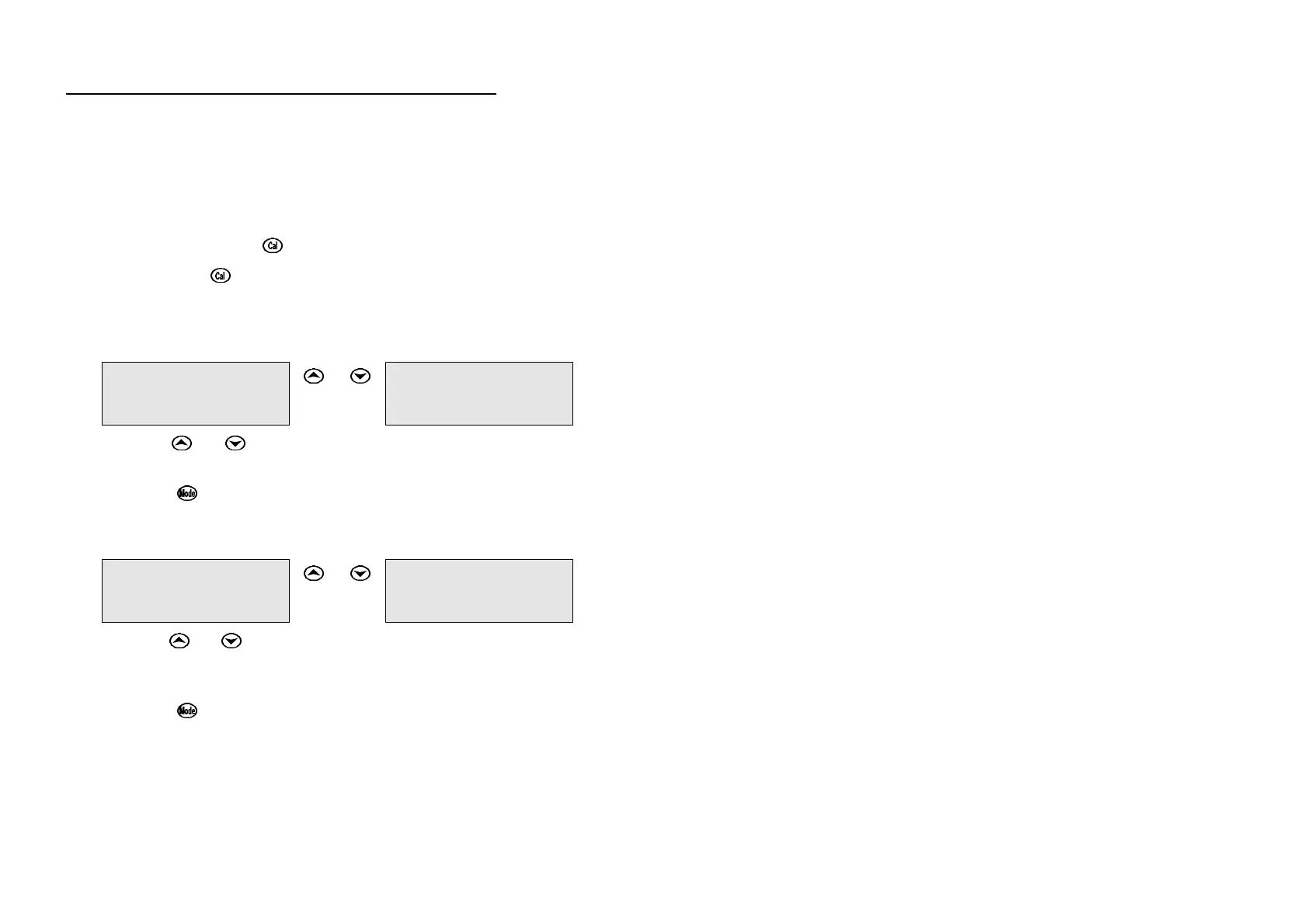
4. The display will now show the currently selected primary buffer, for
example…
6.88pH
↑↑↓↓Select
or
↔
7.00pH
↑↑↓↓Select
5. Use the or keys to alternate between pH6.88 and pH7.00
buffers.
6. Press the key to save the primary buffer.
7. After the message, “Buffer 2 Select”, the display will now show the
currently selected secondary pH buffers, for example…
4.00/9.23pH
↑↑↓↓Select
or
↔
4.00/10.0pH
↑↑↓↓Select
8. Use the or keys to alternate between pH9.23 and pH10.00
buffers (the display shows pH10.0 for the latter but this buffer is
stored as pH10.00).
9. Press the key to save the secondary pH buffers.
10. The buffer recognition setting is kept in memory when the meter is
switched off, even if the battery is removed. The buffers are re-set to
pH6.88 and pH9.23 during initialisation.
NOTE: pH6.88 buffer is a DIN 19266 and NBS Primary-standard pH
solution, and is far more stable than pH7.00 buffer. If pH7.00
buffer is used, ensure that it is made to 0.01pH accuracy.



 To Next Page