Page 6
2. Operating Modes
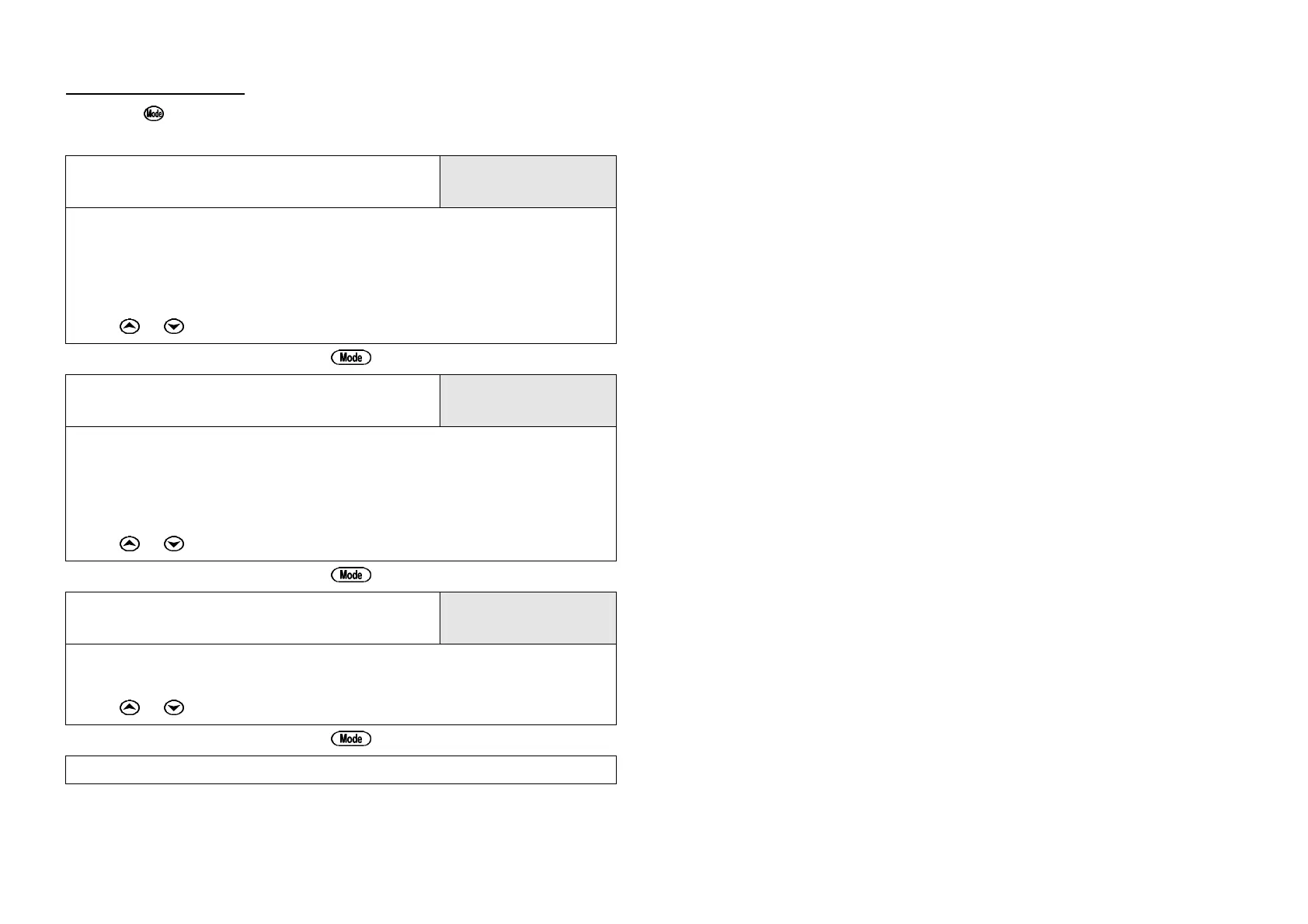
Press the key to select the desired operating mode. The sequence is
shown in the following table…
pH Mode
7.00pH
25.0
o
c
pH data is shown on the top line and Temperature data is shown on the
bottom line.
The Temperature reading is shown with an “M” if the Temperature sensor is
unplugged and manual Temperature compensation is being used.
Select this mode to calibrate pH.
Press or to toggle between dual readout or large digit readout.
↓↓
mV Mode
1000mV
25.0
o
c
mV data is shown on the top line and Temperature data is shown on the
bottom line.
No Temperature data is shown if the Temperature sensor is unplugged, as
manual Temperature compensation is not applicable to mV.
Calibration is not available in this mode.
Press or to toggle between dual readout or large digit readout.
↓↓
Temperature Mode
25.0
o
c
Temperature data only is shown on the top line.
Select this mode to calibrate Temperature.
Press or to toggle between regular readout or large digit readout.
↓↓
Back to pH mode
Note: The decimal point is replaced by a ” ∗∗ “ if a pH or Temperature calibration
has failed (see sections 3 and 5), if the unit is initialised (see section 8),
or if the unit has lost its factory calibration (see section 9.1).



 To Next Page