- 4 -
Operating temperature -20° to 55° C
Humidity 5% to 95% Non-condensing
GSM module GSM 900/1800/1900Mhz or GSM 850/900/1800/1900Mhz
GPS Chipset latest GPS SIRF-Star III chipset
GPS Sensitivity -158Db
GPS Frequency L1, 1575.42 MHz
C/A Code 1.023 MHz chip rate
Channels 20 channel all-in-view tracking
Position Accuracy 10 meters, 2D RMS
Velocity Accuracy 0.1 m/s
Time Accuracy 1 us synchronized to GPS time
Default datum WGS-84
Reacquisition 0.1 sec., average
Hot start 1 sec., average
Warm start 38 sec., average
Cold start 42 sec., average
Altitude Limit 18,000 meters (60,000 feet) max.
Velocity Limit 515 meters/second (1000 knots) max.
Acceleration Limit Less than 4g
Jerk Limit 20 m/sec
Work time 60 hours in sleep mode and 10 hours in normal mode
LED 3 LEDs showing power, GPS, GSM status and other operation status.
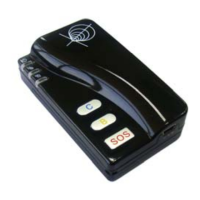
Button 3 buttons(SOS/B/C) for making phone calls or sending SMS
4 Getting Started
This section will describe how to set up your GT60.
4.1 Hardware and Accessories
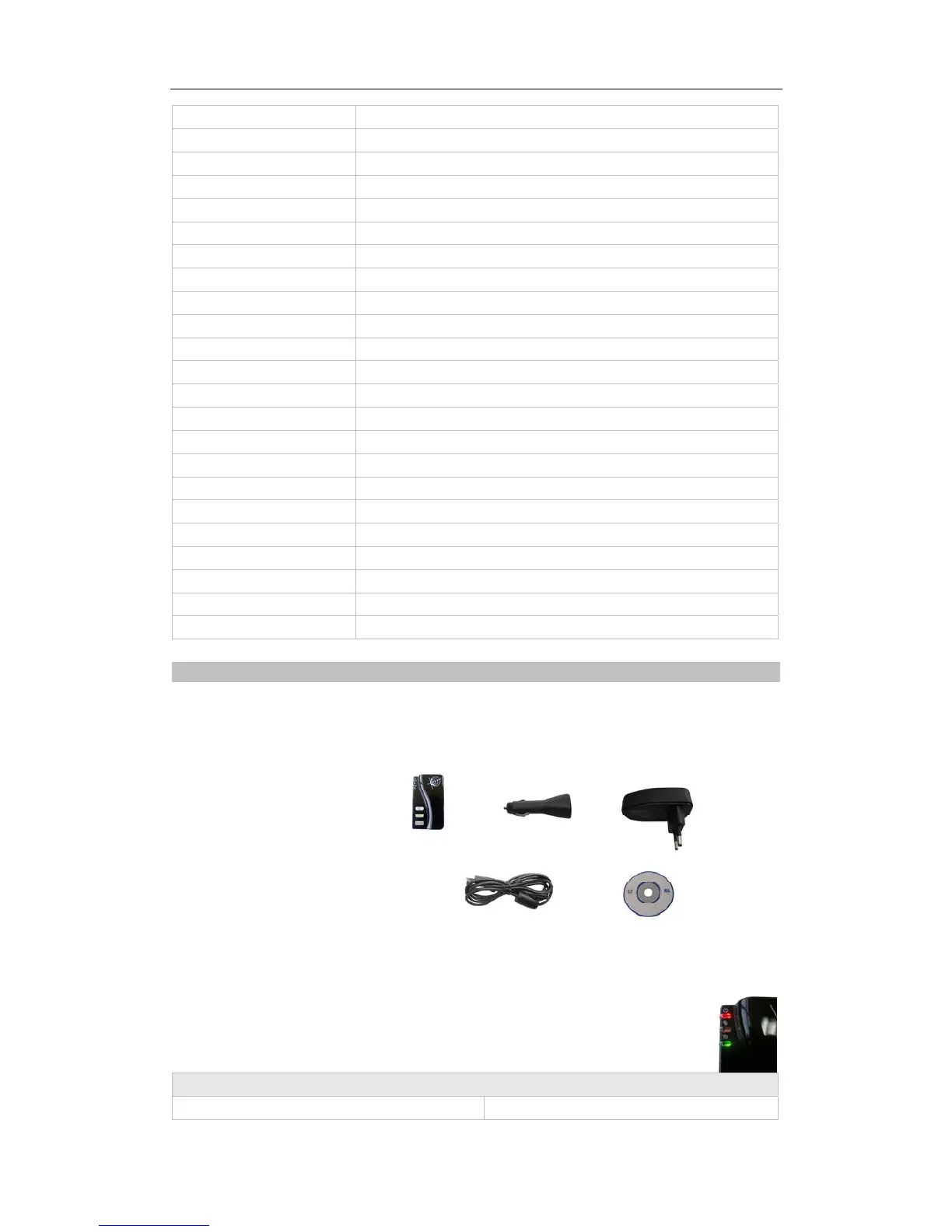
GT60 includes:
• GT60 Main Unit with battery
• USB Power Cable
• Car Charger
• Wall Charger
• CD including
- User Manual
- Other document or software if required
4.2 Light and Button Functionality
Your GT60 has four buttons and three LED lights with three different colors to indicate
the status of the unit.
Red LED - indicating power status
Off
Power is off or charging is complete
Track Systems Ltd


 To Next Page