EasyManua.ls Logo

Trackunit TU501-4 - User Manual

Default Icon
16 pages
Print Icon
To Next Page IconTo Next Page
Loading...
NOTE: Former model ID was ME501-x (2G/3G). Model ID changed in 2017 to TU501-x (2G/3G)
Short guide : TU501-x
Version 4.2, May 2019

Questions and Answers

Summary

Practical Advice

Installation is best done outside

Install the unit outdoors for optimal GPS and GSM/UMTS signal reception.

Machine and vehicle guidelines for correct wiring

Functionality check: LED on the unit

Installation check and update using “Verify my Trackunit”

Step 1: Login

Log in to the Verify Trackunit portal using your username and password.

Step 2: Find unit

Enter the unit's serial number and click 'Find' to locate it.

Step 3: Review status

Check various parameters like signal, voltage, and input/output status.

Step 4: Basic configuration options

Set up device name, engine hours, start distance, category, and groups.

Step 5: Logout

Click 'Update' to save changes and then 'Logout'.

Input filtering (INFILT)

CAN bus termination resistor

Troubleshooting

Product specifications

Temperature range

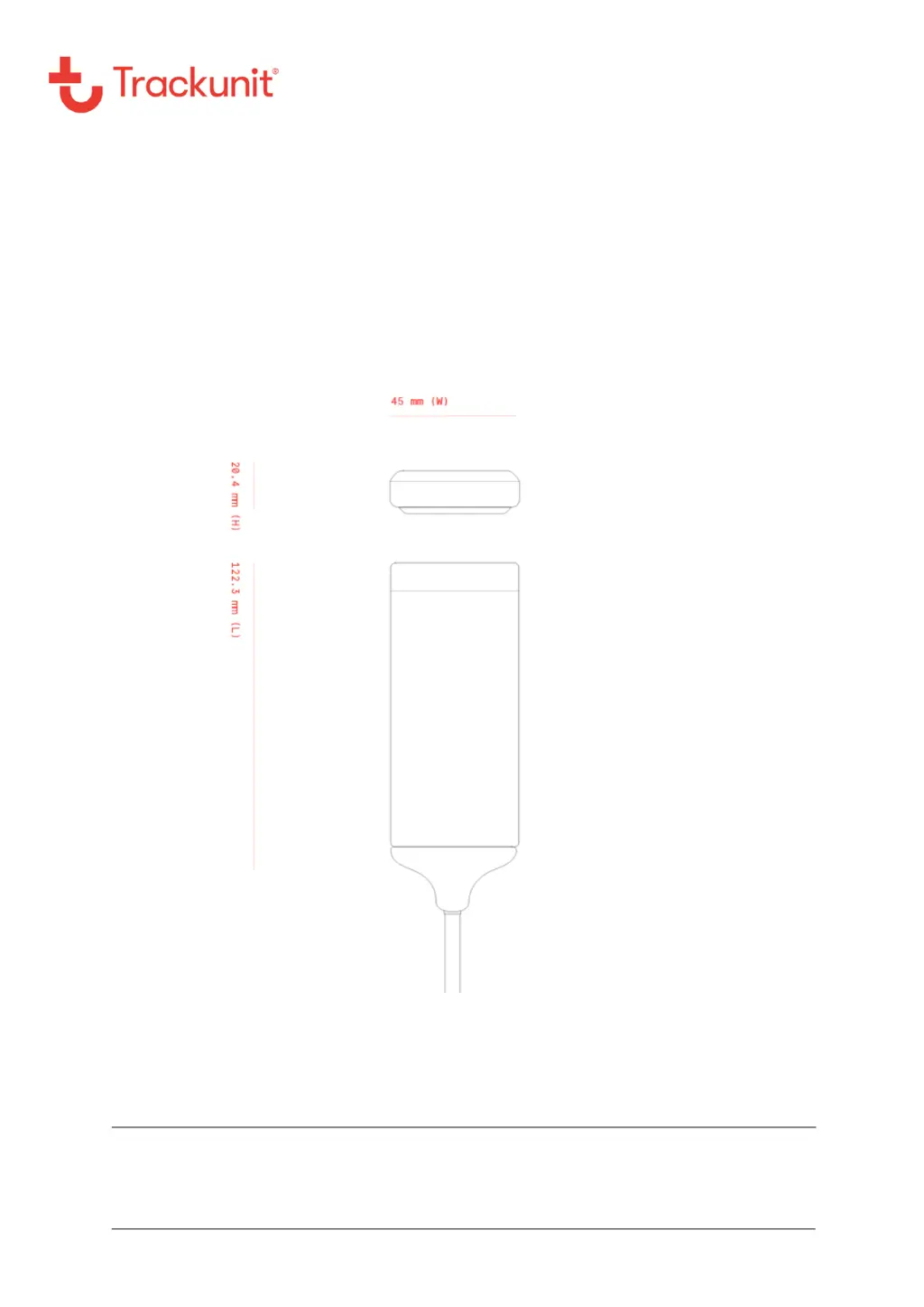
Mechanical specifications

Regulatory information and precautions

Approvals and Certifications

PTCRB certification for interoperability with mobile networks

Trackunit TU501-4 Specifications

General IconGeneral
BrandTrackunit
ModelTU501-4
CategoryGPS
LanguageEnglish

Related product manuals