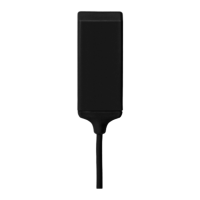
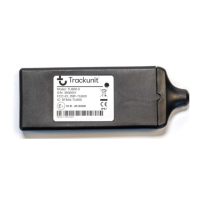
TU501-x
Short Guide TU501-x v4.2, May 2019, ©Trackunit 2019 7
Installation check and update using
“Verify my Trackunit”
- Go to
http://verify.trackunit.com
- Enter user name and
password
- Enter serial number and
then click “Find”
status
- Time of last received data
- GPS and mobile signal
- Mobile number
- Power supply voltage
- Internal battery voltage
- Status of inputs 1-4
(on/off)
- Click “Find” again to
refresh status
configuration
options
- Enter a device name
- Enter engine hours
- Enter start distance
- Select category
- Connect up to multiple
groups
- Add a note (visible in
Trackunit Manager)
- Click “Update” to save
- Click “Logout”
- Prior to verification, make
sure the unit is installed
and active in an area with
sufficient GPS and mobile
coverage.



 To Next Page