Windscreen Holder Installation Guide
System Setup and Reset
Resolution QV GA
QUAD OFF
C A M1 ON
CA M2 O N
CA M3 O N
CA M4 ON
Pair CA M 1 2 3
4
System
Setu p
Factory
Reset
A. Select [System Setup], press [OK] to enter.
Brightness 8
0 15
Frequency 50Hz
B. Use to adjust monitor brightness.
Brightness setting takes effect on LCD monitor
only.
Brightness 8
0 15
Frequency 50Hz
B. Use to select the required frequency (for
the UK, please set the frequency to 50Hz).
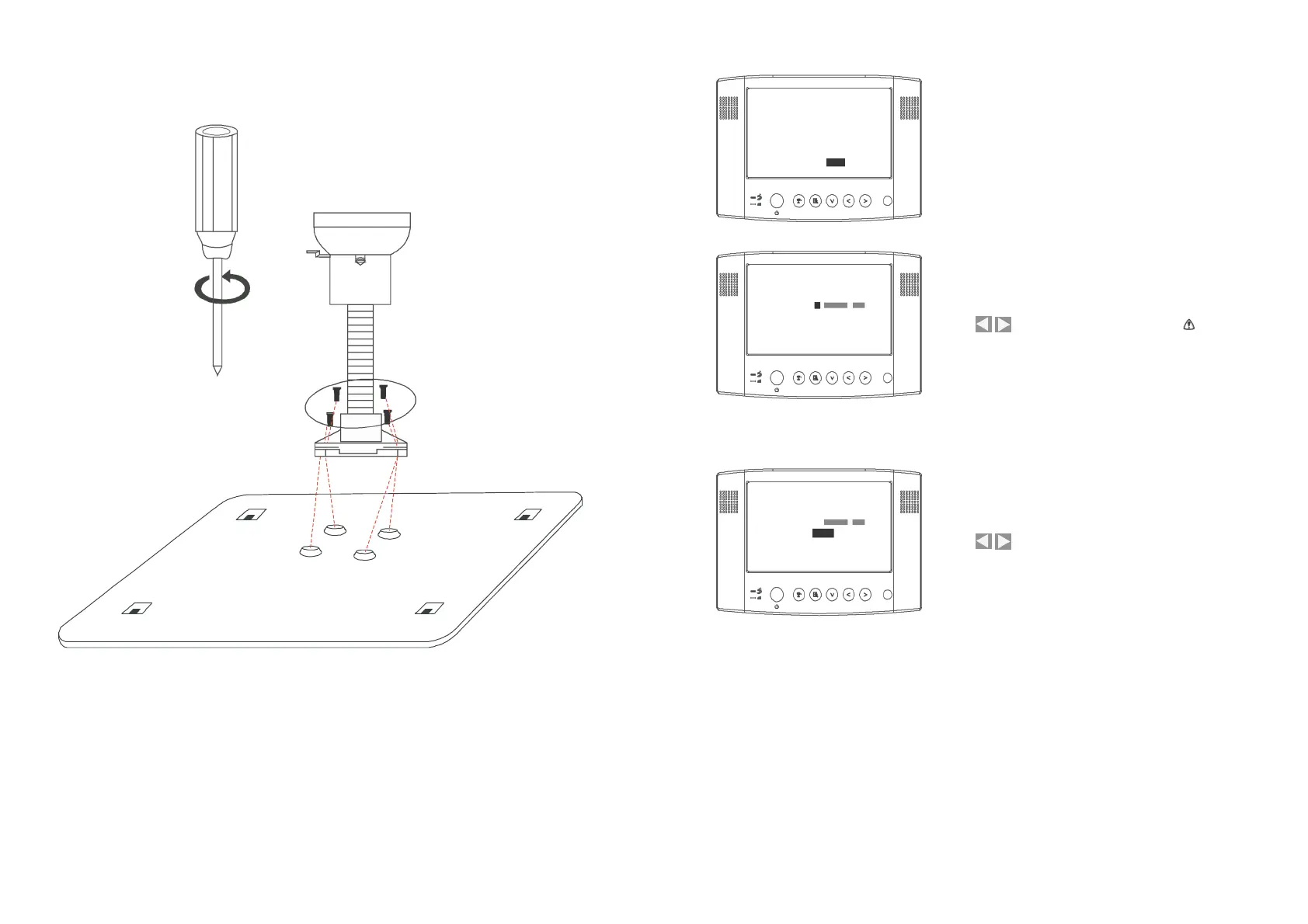
Fasten the screws to the metal panel as shown above.


 To Next Page