12
4.
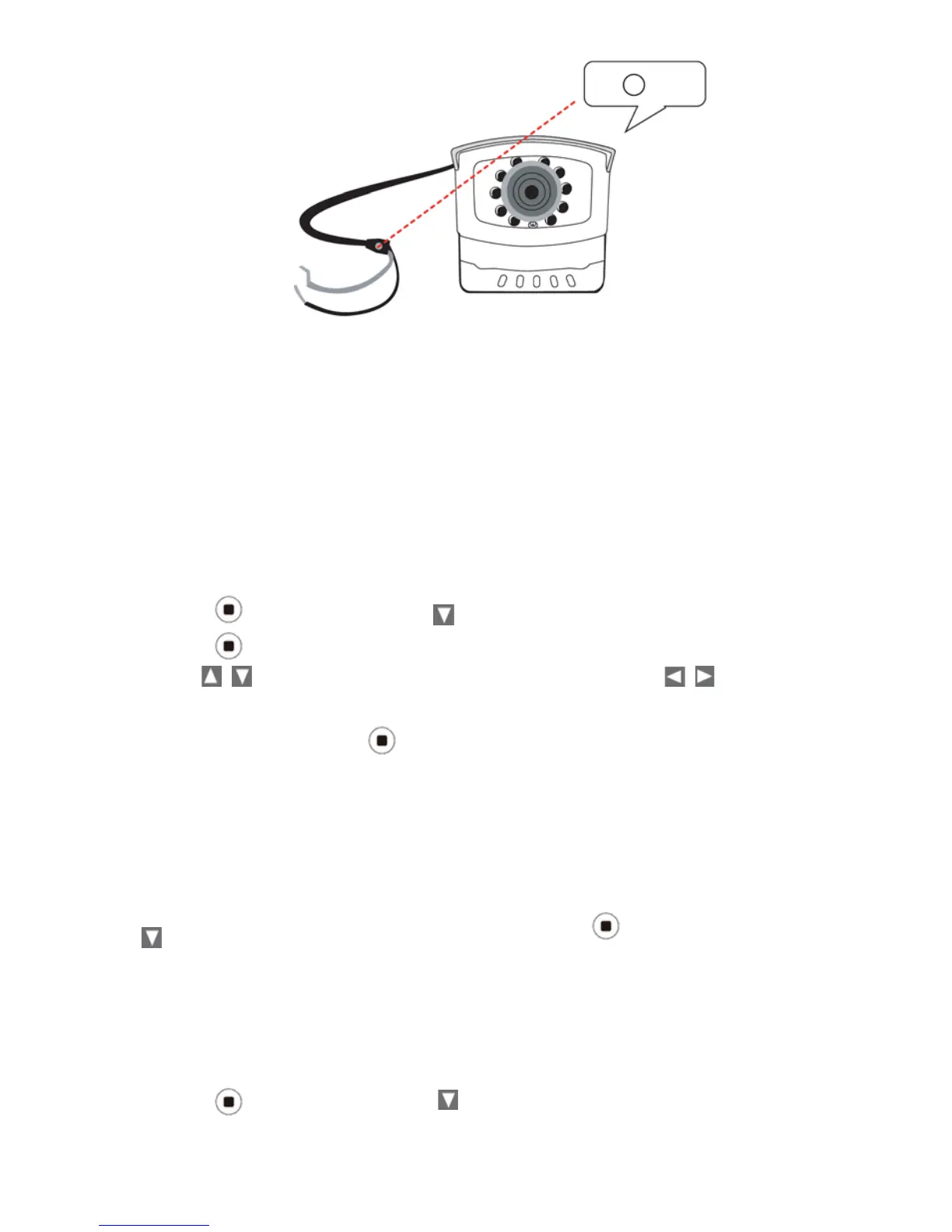
Once pairing is c
ompleted, the
monitor will display the camera image.
5. Press the menu key again to save the pairing action and return to the
main menu.
Brightness
Set up the brightness of the cameras for different environments (inside/
outside etc);
each camera can be configured individually.
1.
Press
(MENU button) and to choose the
Brightness function
2.
Press
(MENU button) to enter the sub menu
3.
Use
to choose the
monitor or camera 1~4, and press
to adjust the
brightness.
4.
Choose
EXIT and press
(MENU button) to return to the m
ain menu.
Monitor and Camera Version
Use this feature to check the monitor and camera version number when it is
necessary.
(MENU button)
To check the monitor and camera version number
, press
and to display the monitor and camera version.
Factory Reset
Restore the monitor to the factory default
settings.
1. Press
(MENU button) and to choose the Factory option.


 To Next Page