46
BAS-SVX40K-EN
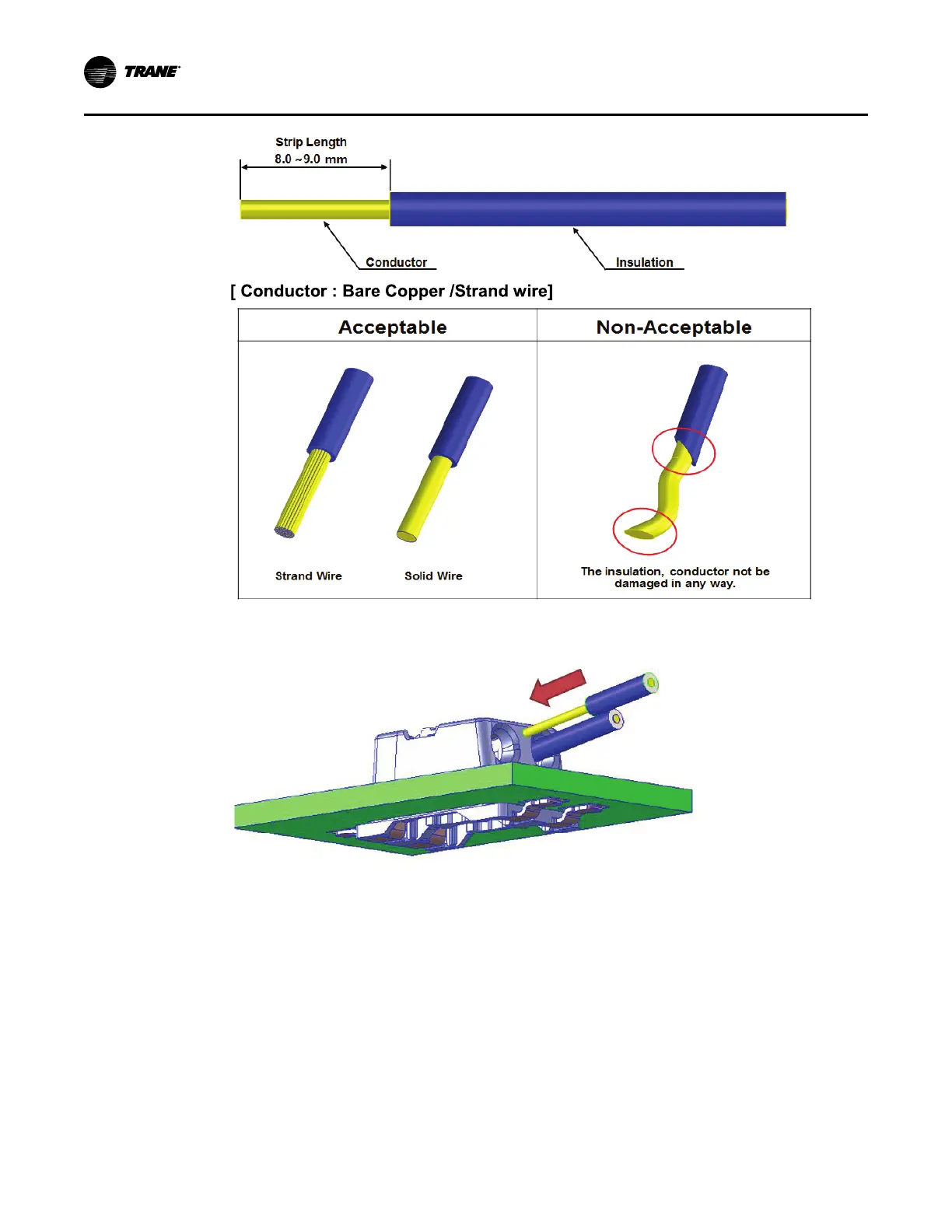
2. Insert the stripped wire into the connector until you hear a faint click. Gently pull on the wire as a test
to insure the wire is seated properly.
3. To remove the wire from the connector: First, push the wire into the connector slightly, then using a
small screwdriver push down on the connector release tab, then pull the wire out of the connector.
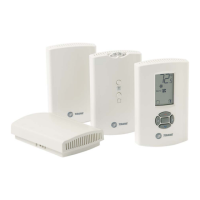
WCS–SO/SCO
2
and –SB/R Installation





 To Next Page