80
BAS-SVX40K-EN
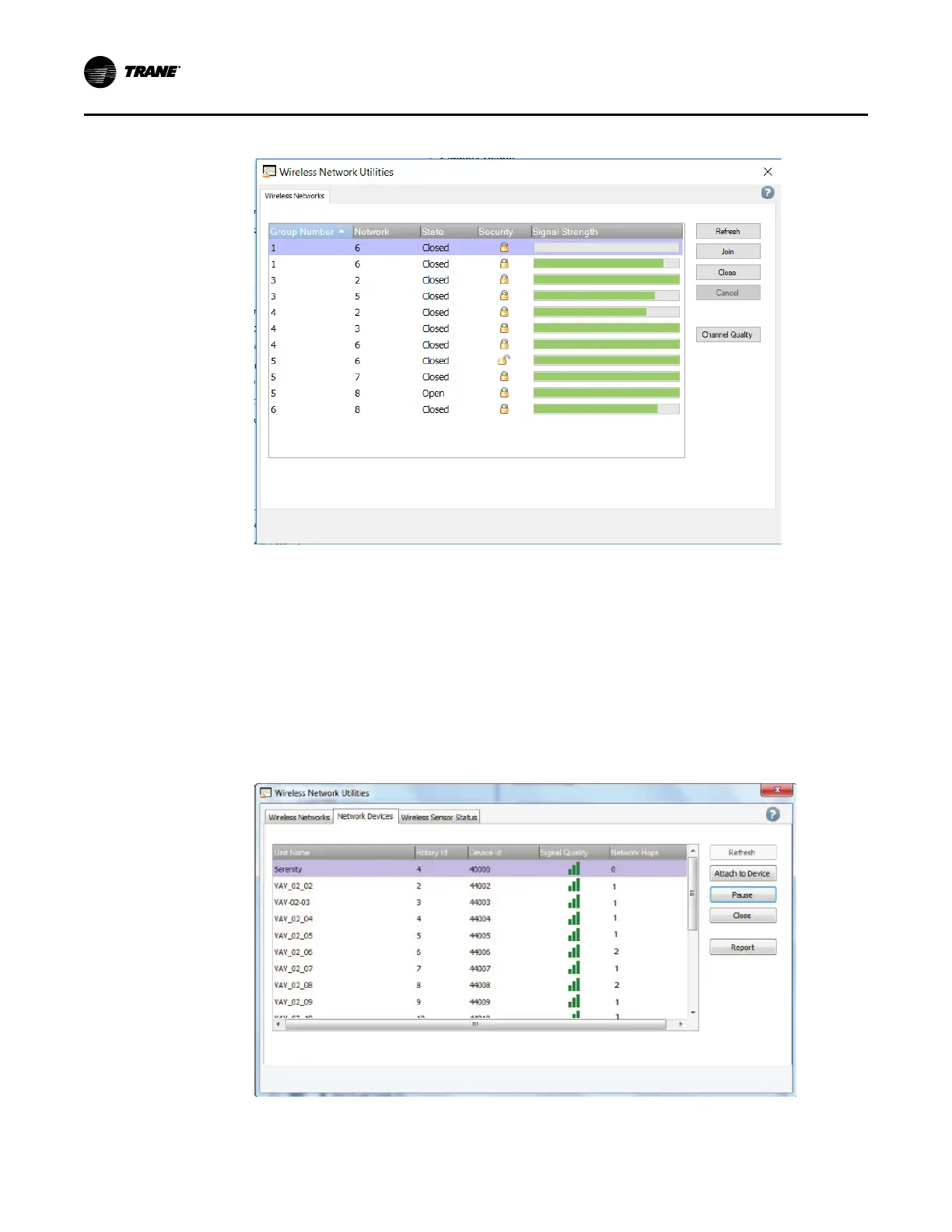
Figure 47. Wireless network utilities dialog box after joining the network
Managing a Wireless Network and Devices
After communication has been established between Tracer TU and a wireless network, you can
manage the network and the devices on it by connecting to a device on the network.
Connecting to a Device
To connect to a device:
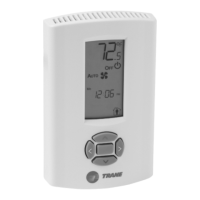
1. From the Wireless Network Utilities screen, select the Network Devices tab as shown in the
following figure.
Figure 48. Network Devices tab
2. Select a device from the list of network devices and click Attach to Device. The Unit Summary
Using the Tracer® TU Service Tool with a Wireless Network




 To Next Page