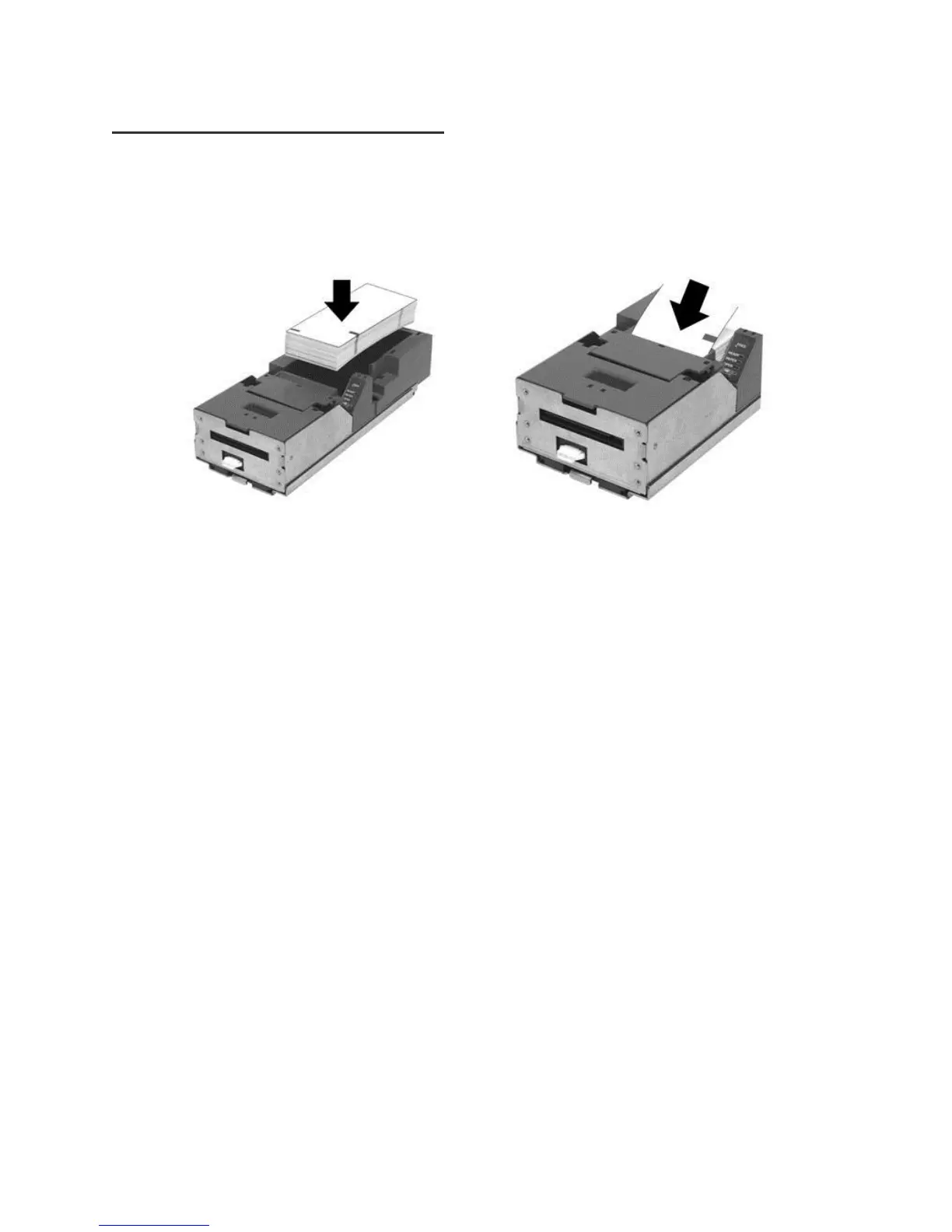
Loading Tickets into Feeding Mechanism
When loading new ticket stacks, be sure that there is power to the printer. The first ticket of the stack must be
inserted into the printer by hand. The Epic 950 printers’ ticket tray is integrated with a guide to direct the ticket into
the printer mechanism. Once the leading ticket enters the Top of Form sensor, the ticket will be automatically fed
into the Printer Mechanism.
Ticket Loading and Ticket Feed Mechanism
Loading tickets into the ticket supply box: (Refer to the label on printer)
Load tickets into the ticket supply tray, making sure that the Black Dot is positioned as shown above.
Orient the tickets so that the Black Dot is towards the leading edge of the ticket.
Feeding tickets into the Printer Mechanism: (Refer to the label on printer)
Check to ensure that the tickets have been placed in the ticket tray with the proper black dot orientation.
Insert the leading ticket into the Printer Mechanism’s insertion guide area. The ticket should be fed about a
½" into the mechanism; at this time, the machine automatically completes the feeding process.
If printer has been slid out from rack, make sure that the printer is closed.
The printer is ready to receive information.



 To Next Page