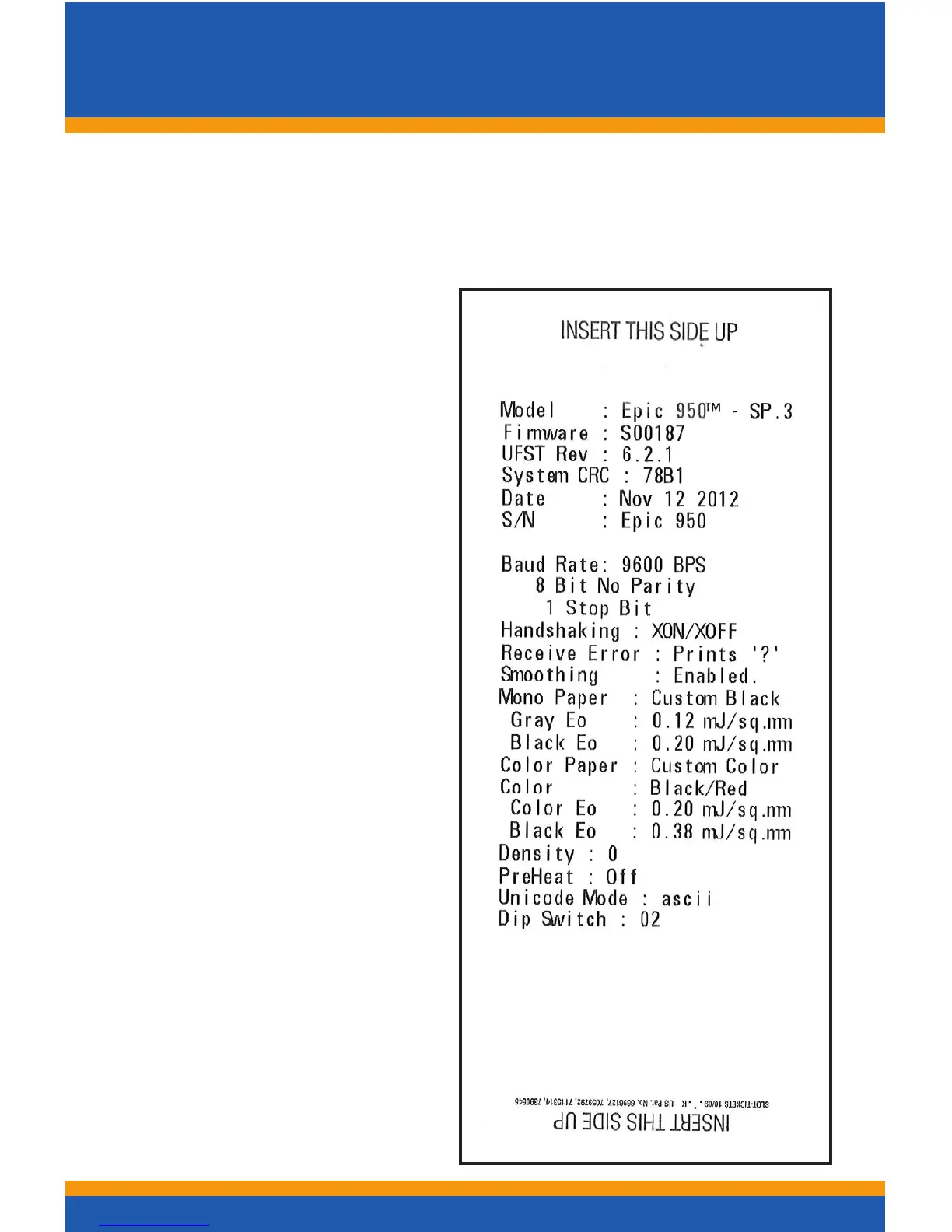
Printing Self-Test Ticket
3
Print a test ticket using the printer’s self-test procedure:
• Press and hold the FEED button for approximately 5
seconds, then release and the self-test ticket will then
print.
- OR -
1. Un-rack the Inner
Chassis
2. Open the Ticket Cover.
Do not remove the
currently loaded ticket.
3. Press and hold the
FEED button until the
Open LED goes out,
then release the button.
4. Now close the Ticket
Cover and the self-test
ticket will then print.
5. Close the Inner Chassis
to resume normal
operation.
NOTE:
Provides useful information
regardingloadedrmware
versionandconguredBaud
Rate settings in addition to
performing mechanical
testing.
Self-Test
Ticket



 To Next Page