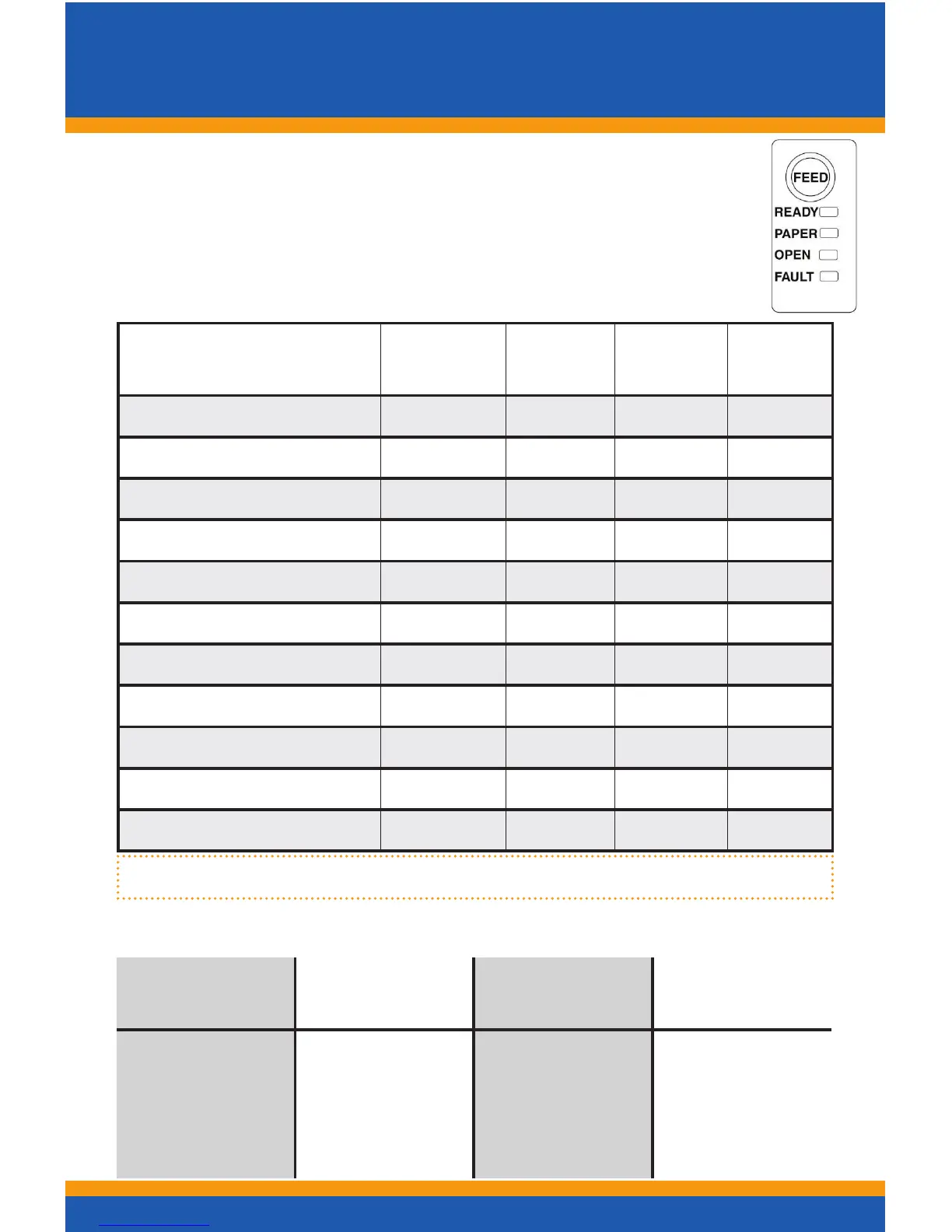
Printer Status and Bezel Light LED’s
4
Printer Status LED’s
TheprinterhasbeenoutttedwithaLEDpanelsystemthat
provides the condition of the printer by using solid or blinking
status LEDs to communicate status information. The following
tableliststhedifferentLEDstatesforspecicconditions.
Condition
Ready
LED
Paper
LED
Open
LED
Fault
LED
Unit Ready ON OFF OFF OFF
Cover Open ON OFF ON OFF
Chassis Open ON OFF BLINK OFF
Ticket Out ON ON OFF OFF
Ticket Low ON BLINK OFF OFF
Head Temp Error BLINK OFF OFF BLINK
Paper Jam ON OFF OFF BLINK
Ram Error 2-BLINK OFF OFF ON
EEprom Error 5-BLINK OFF OFF ON
Boot Load Mode BLINK OFF OFF ON
CongMod BLINK OFF OFF OFF
Bezel Status Lamp
The printer’s bezel also displays certain printer status informa-
tion. See the table below:
Steady
Blinking
Rapidly
Blinking
Medium
Blinking
Slowly
Online and
Ready
Ticket is being
printed.
Ticket in ticket
taken senor
Ticket Low
Chassis open
Cover open
Ticket not
loaded (TOF)
Ticket jam
error



 To Next Page