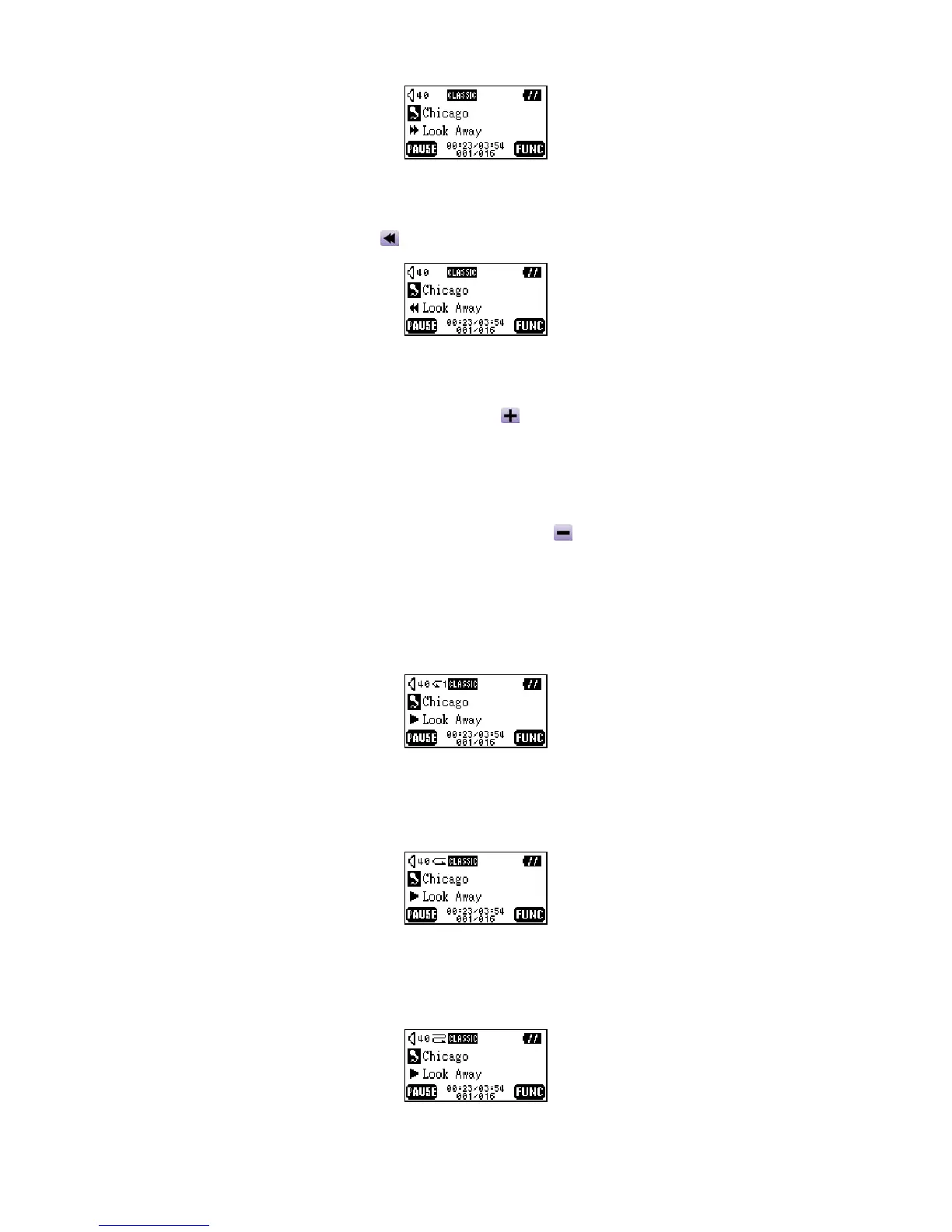
Fast Rewind
Press and hold the Left (Previous) button to rewind the track.
Increase Volume
Press once or press and hold the Up (Volume Up) button until you have reached the desired
volume level.
Decrease Volume
Press once or press and hold the Down (Volume Down) button until you have reached the
desired volume level.
Repeat a Track
Please see the “Quick Settings” in the “Music Functions” section for detailed instructions.
Repeat All Tracks
Please see the “Quick Settings” in the “Music Functions” section for detailed instructions.
Repeat Random Tracks
Please see the “Quick Settings” in the “Music Functions” section for detailed instructions.
7















 To Next Page