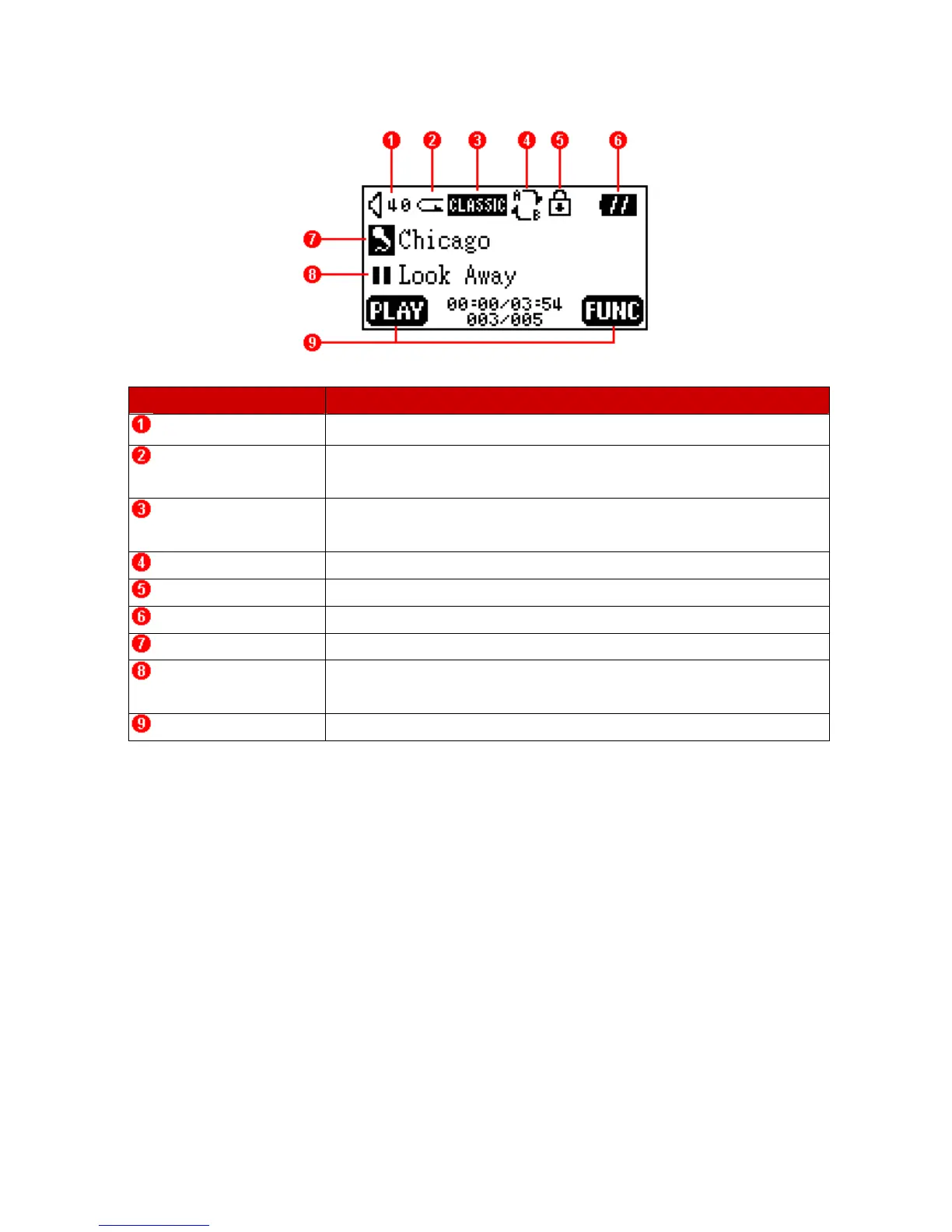
OLED Display
Icons Indications
Volume Displays the volume level.
Repeat Mode Indicates the repeat mode that includes Normal, Repeat One, Repeat
All and Random.
Equalizer (EQ) Mode Indicates the EQ mode settings that includes Normal, Classical, POP,
Rock, Jazz, and USER EQ.
A-B Repeat Indicates when A-B repeat function is enabled.
Lock Indicates when the Lock function is enabled.
Battery Status Indicates the Battery Status.
File Information Indicates the File/Album and details.
Operating Mode Displays the operational status, which includes Play, Pause, Fast
Forward, and Fast Reverse.
Button Indicator Indicates the current Button Function.
4















 To Next Page