AAA Battery Insertion
T.sonic 620 MP3 Players only accept AAA Batteries.
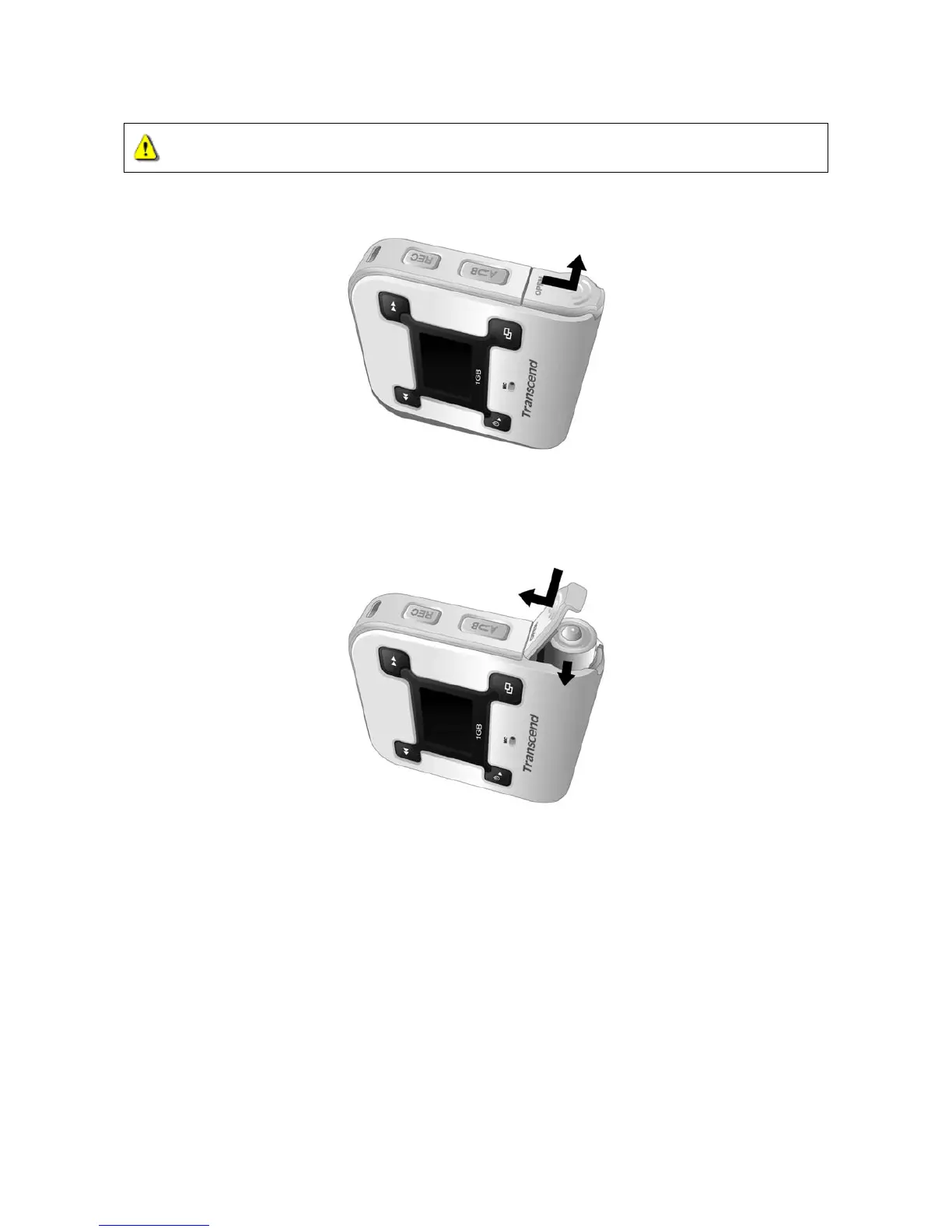
1. Flip open the battery cover of the T.sonic as indicated in the below diagram.
2. Insert one AAA battery (preferably alkaline) into the compartment, ensuring that the correct
polarities (+/-) are aligned (the end of the battery with the bump on it should be facing you)
properly. Close the battery cover as indicated in the diagram.
Do NOT attempt to replace the battery when the power is on; this may cause the device to
malfunction.
T.sonic 620 models do NOT have an on board function for rechargeable batteries.
The battery icon on screen will flicker when the battery power is very low. Any recording activity
stops, and the device will shutdown automatically. Please follow the “AAA Battery Insertion”
steps to replace the AAA battery.
5















 To Next Page