4. If the Auto-Lock function is enabled, you can press and hold the A-B button to unlock the
device.
5. Press the MENU or Left (Previous) button to return to the Settings menu.
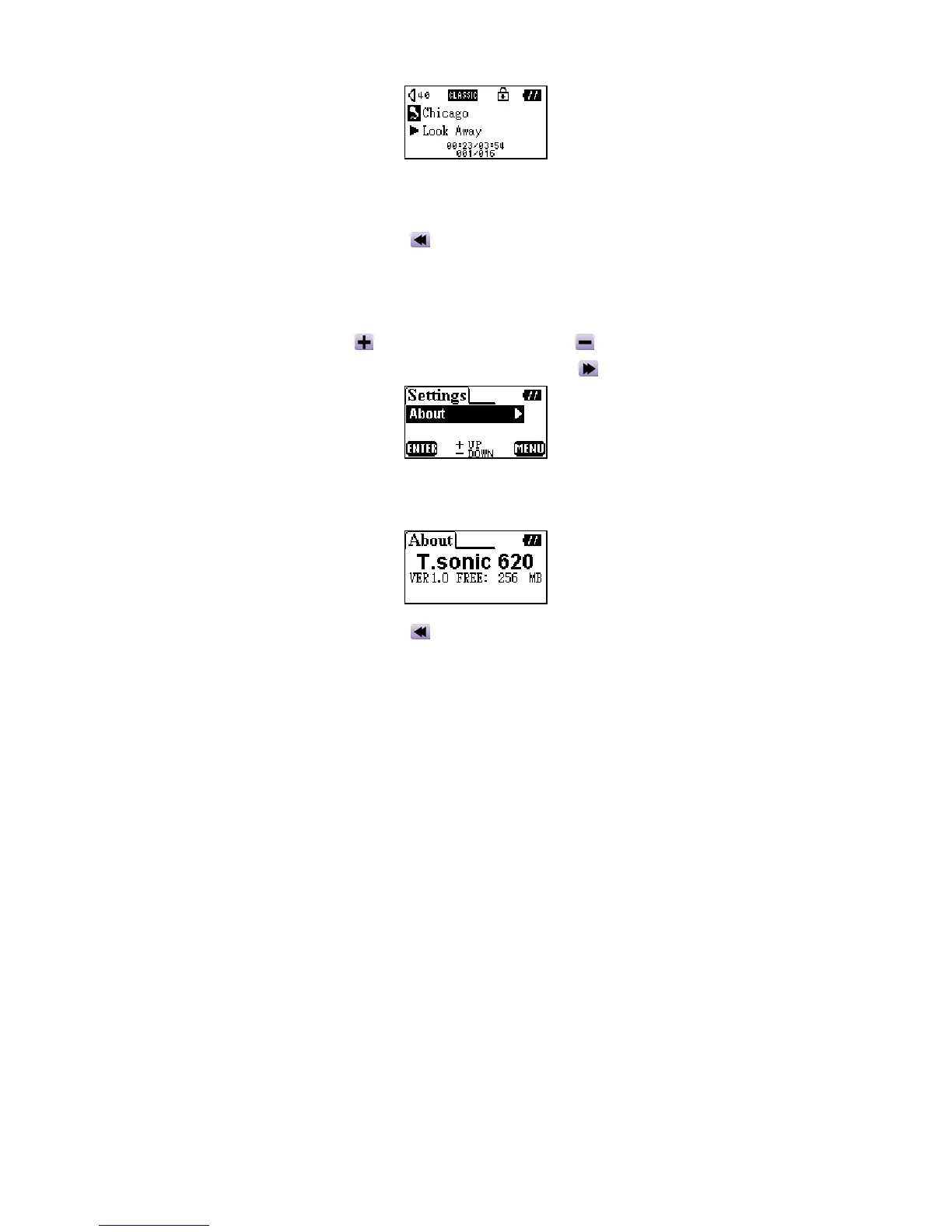
About
1. Press the Up (Volume Up) , or Down (Volume Down) button to select the About icon
in the Settings menu, then press the PLAY or Right (Next)
button to enter.
2. The firmware version and available memory of your T.sonic will be displayed on the OLED
screen.
3. Press the MENU or Left (Previous)
button to return to the Settings menu.
24















 To Next Page