Data Storage
Data Storage in Windows
98SE
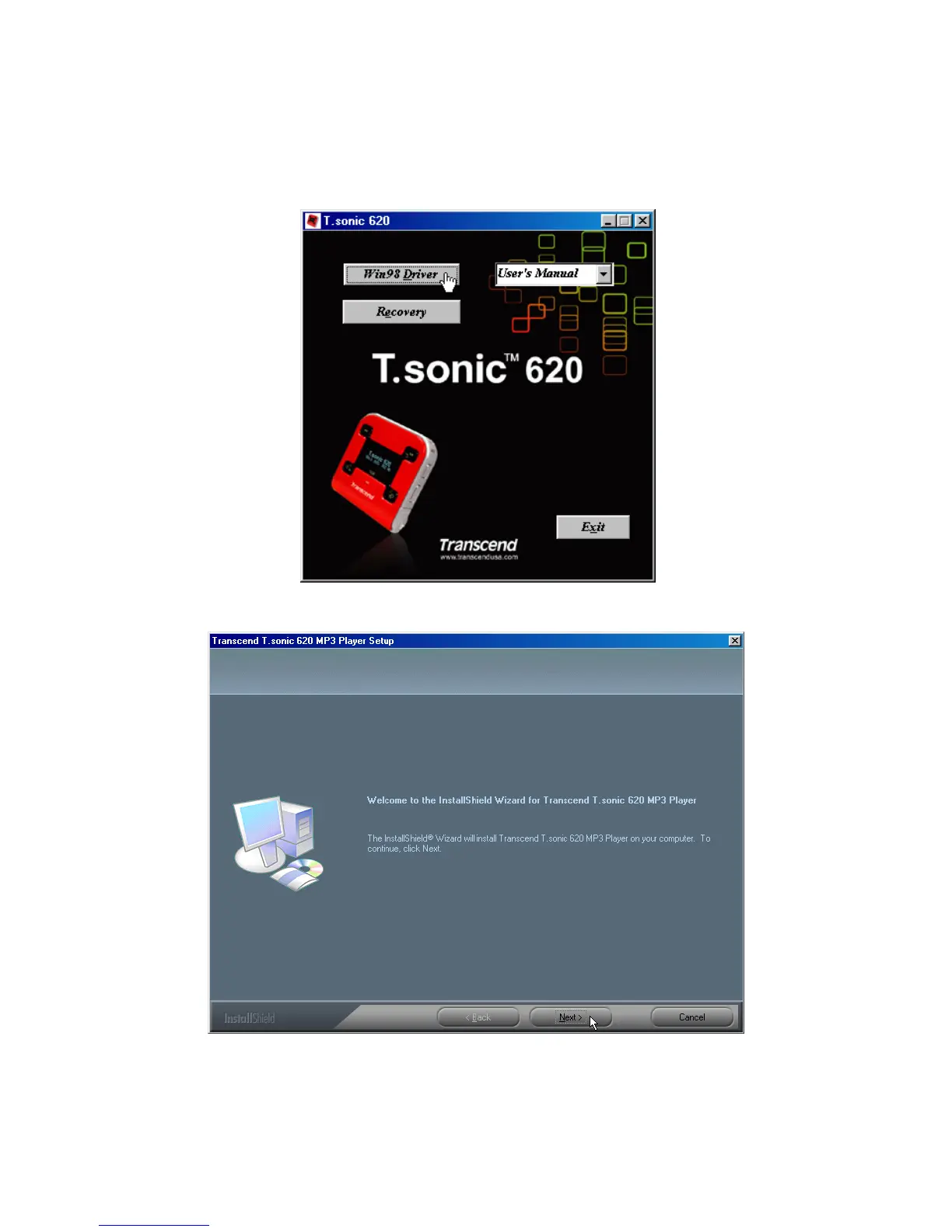
1. Put the Driver CD into the CD-ROM (Auto-Run supported). Select the Win98 Driver button.
2. Select “Next” to continue.
3. The InstallShield Wizard will guide you through the installation process.
4. After the drivers have been installed, plug your T.sonic into an available USB port. The New
Hardware Found dialogue boxes will appear.
9















 To Next Page