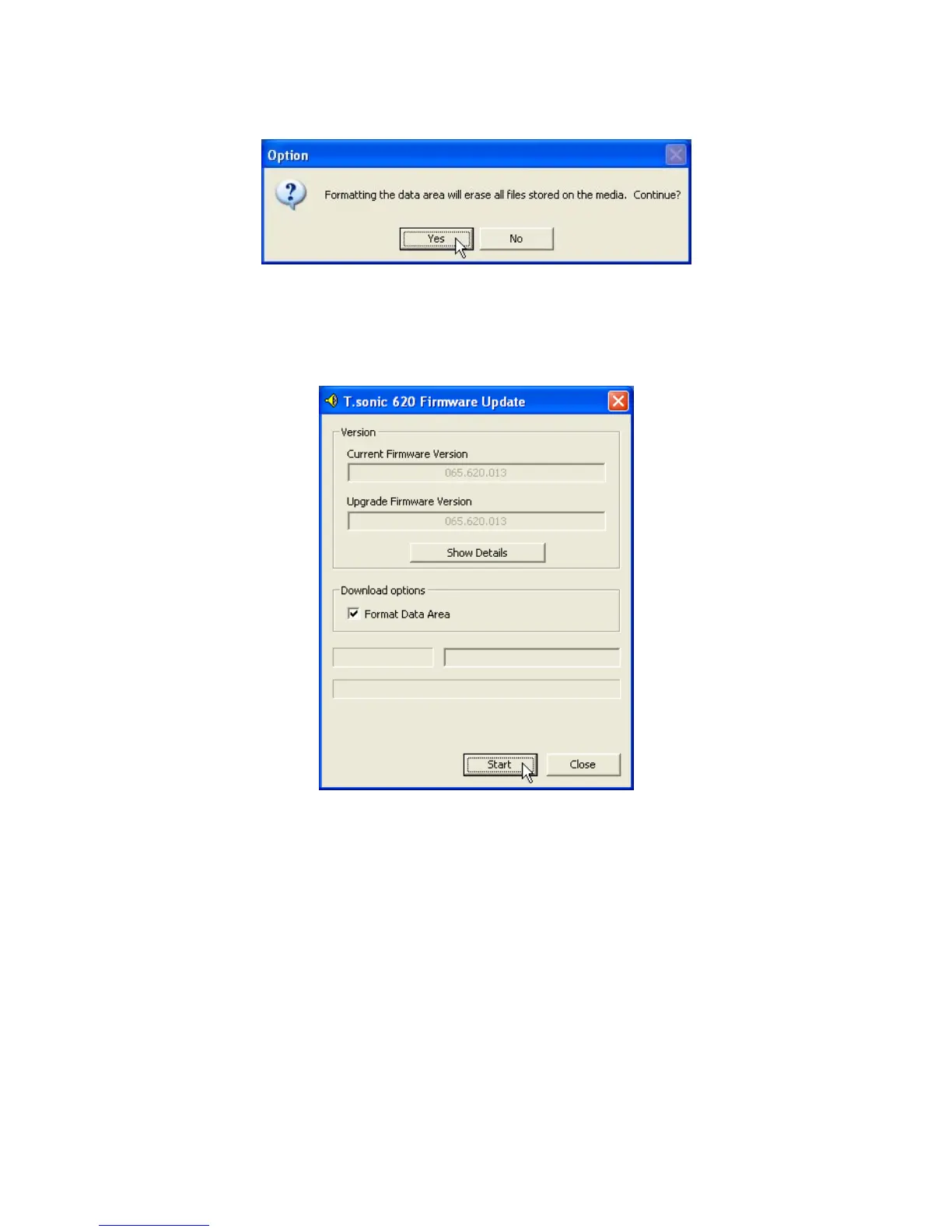
8. If the Format Data Area checkbox is checked. The Option message box will appear. Select
Yes to continue.
Running this program will erase all the data currently on the T.sonic. Please backup all of the
data on the T.sonic first.
9. Select Start to initiate the Firmware Update.
10. The Complete message box will appear. Select Close to complete the Recovery procedure.
Your T.sonic has been returned to its initial status.
31















 To Next Page