•
• STARTING AND ENDING THERAPY
5
Starting Therapy
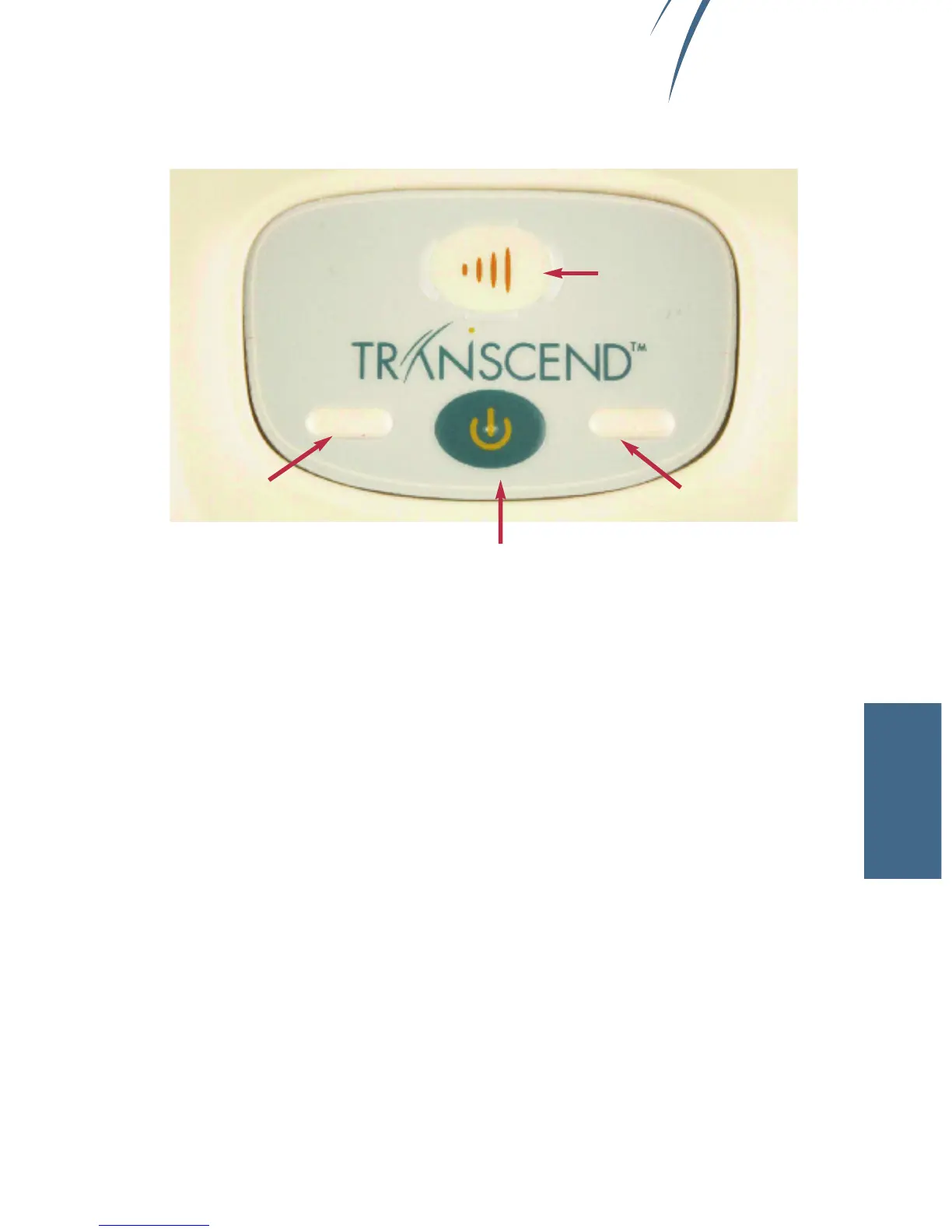
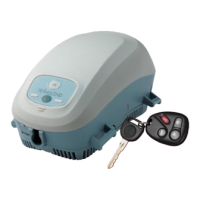
1 The Transcend control panel consists of a power button (bottom), ramp button
(top) and two LED lights.
2 Ensure that the device is connected to a power source and is in Standby
mode. (See Powering)
3 Press the lower, blue power button to turn on Transcend. Air flow will begin
as the blower delivers your prescribed pressure.
USING
Power Button
Ramp Button
Yellow LED
Green LED
Chapter 5 • Starting and Ending Therapy • page 17


 To Next Page