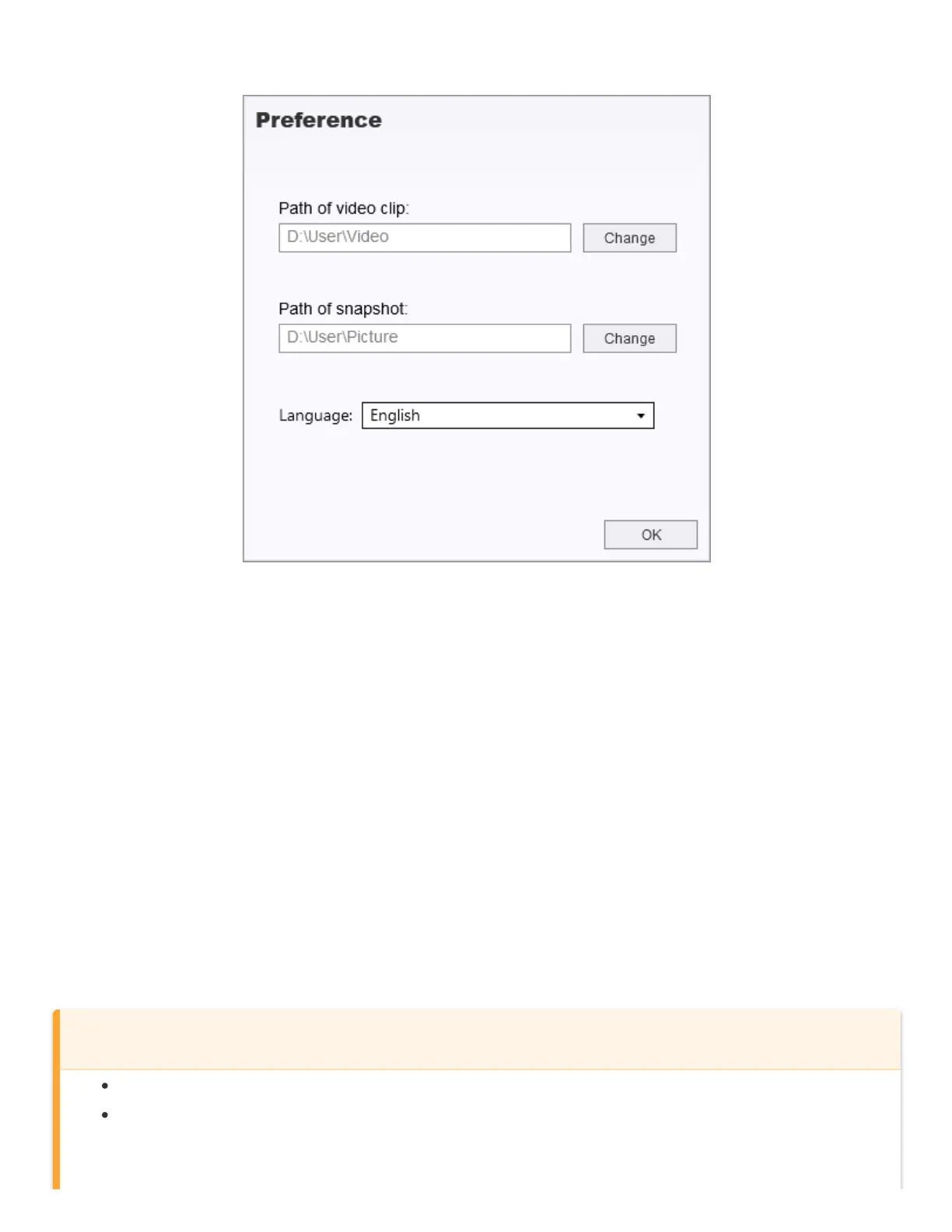
6-1-5 Preference Settings (C)
Tap Preference to change the saving routes of the videos/photos and the language settings.
6-2 Transferring Files To A Computer
Option 1:
Take the microSD memory card out of the DrivePro, and insert it into a compatible card reader to transfer
files to a computer.
Option 2:
1. Insert the microSD memory card into the DrivePro.
2. Plug the small end of a USB cable into the USB port located on the right-hand side of the DrivePro.
3. Plug the large end of the cable into an available USB port on your computer. The DrivePro will
display the following screen when connected to a computer.
WARNING
DrivePro 20 package contains a USB cable.
To prevent data loss, always follow the proper removal procedures when disconnecting the
DrivePro from your computer.















 To Next Page